8 Render Alternatives for Web App Hosting in 2026

By Jess Lulka
Content Marketing Manager
- Updated:
- 20 min read
Cloud hosting for web apps via Platform-as-a-Service (PaaS) changed application development, hosting, and management by providing tools that streamline the entire lifecycle—so developers can focus on writing code instead of babysitting servers. As they’ve grown in popularity and usage, PaaS offerings have added support for containers, microservices, and serverless functions to enable advanced application development. Developers using PaaS platforms now also have access to more automated workflows, built-in middleware, APIs, and AI app-building features to ship code faster than ever.
Render is a PaaS option that provides fully-managed infrastructure so developers can create projects of all sizes and use cases. Exploring Render alternatives can reveal providers that may better align with your needs. Each PaaS hosting alternative offers unique features, integrations, and pricing structures that may better suit your company’s operations.
Key takeaways:
-
Render is a PaaS provider that developers use to deploy web and SaaS applications without managing underlying infrastructure.
-
Render and PaaS alternatives are often useful for developers who need automatic application scalability, a built-in CDN for global asset distribution, and Git-native deployments.
-
Considerations for evaluating Render alternatives include core functionalities, pricing, ease of use, integration capabilities, plus security and compliance facets.
-
Top Render competitors include DigitalOcean, AWS Elastic Beanstalk, Vercel, Google Cloud Run, Heroku, Fly.io, Netlify, and Railway.
What is Render?
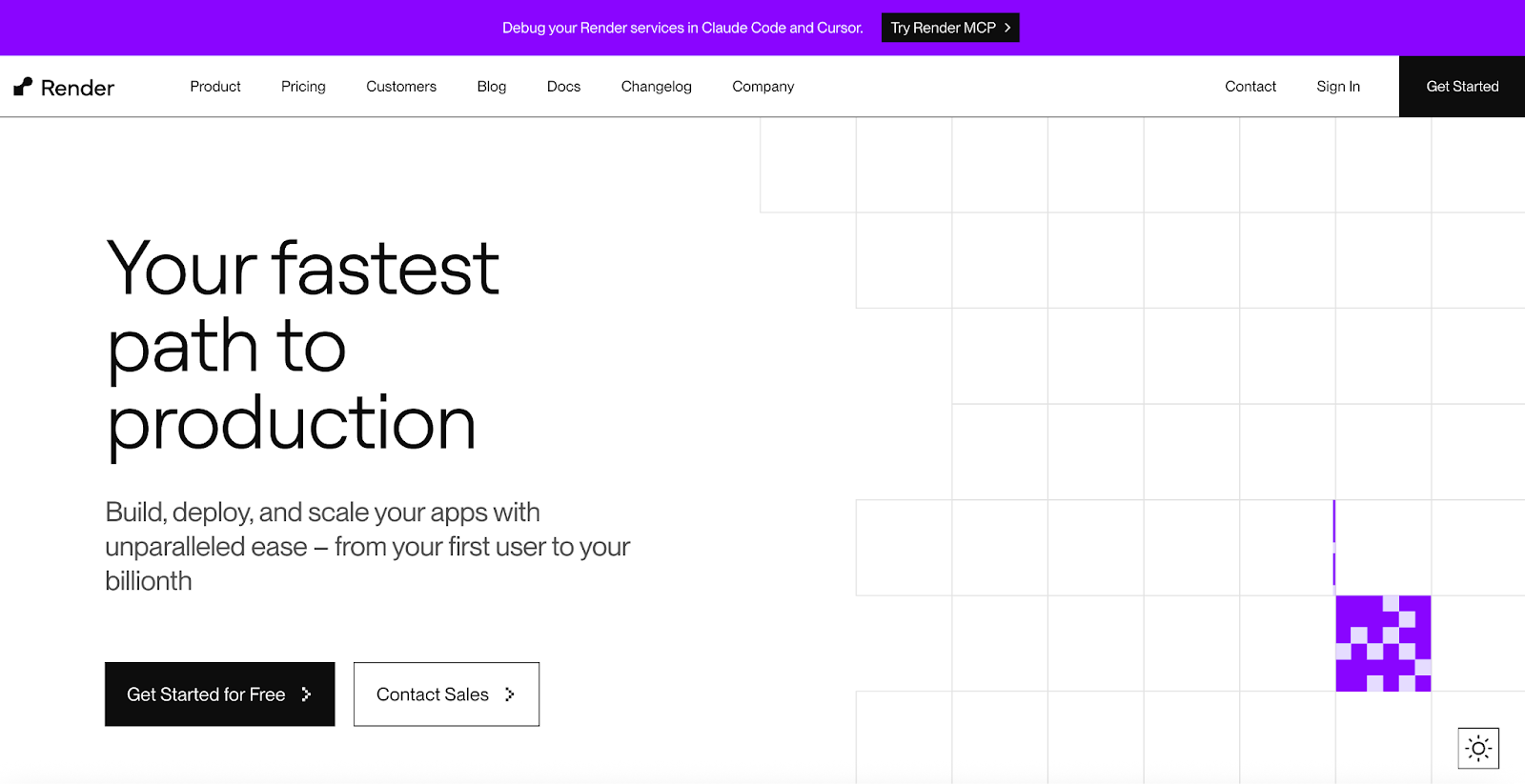
Render is a PaaS designed to support SaaS and web applications that require automatic scalability, such as e-commerce sites or serverless applications. Its global content delivery network (CDN) simplifies the distribution of static content and operates with regional hosting in the U.S., Europe, and Asia. Render offers custom domains with TLS certificates, DNS configuration, and HTTPS redirects. You can also use Render Blueprints or Terraform integrations to validate your infrastructure-as-code. Yet you might find that Render has limited bandwidth and load-balancing capabilities. Its pricing plans also do not include compute costs, which can increase your overall bill.
Render key features:
-
Compatibility with Node.js, Bun, Python, Ruby, Go, Rust, and Elixir programming languages.
-
Git-native deployments with GitHub and GitLab plug-ins, along with OAuth and webhooks to deploy builds in tandem with commits.
-
Health checks and automatic service cancellation after 15 minutes of unresponsive container registry tests to reduce underutilized infrastructure.
All Render pricing lists are for monthly subscriptions. Computing costs are billed separately.
-
Hobby - $0. Fully managed datastores, full-stack application deployment, custom domains, global CDN with regional hosting, and email support.
-
Professional - $19/user/month ($228/year). Everything in Hobby, plus 500 GB of bandwidth, collaboration with 10 team members, horizontal autoscaling, unlimited projects and environments, test with preview environments, private link connections, and chat support.
-
Organization - $29/user/month ($348/year). Everything in Professional, plus 1 TB of bandwidth, unlimited team members, audit logs, a SOC 2 Type II certificate, and an ISO 27001 certificate.
-
Enterprise - Custom pricing. Everything in Organization, plus centralized team management, guest users, SAML SSO & SCIM, guaranteed uptime, premium support, and customer success support.
Benefits of Render alternatives
If Render isn’t your organization’s perfect fit, or you’re curious about other available web application hosting platforms, here are some reasons why you may be choosing a Render alternative:
-
Cost-effective pricing: Render’s pricing isn’t necessarily as straightforward as other PaaS providers, and users can find themselves paying for features (such as static IPs or specific database/caching services) that they might otherwise get access to within free tiers offered by alternate providers.
-
Extensive support: Render offers support options within its paid pricing tiers, but they can be limited. The Hobby Plan includes only email support; Professional and Organization Plans have email and chat help; and only Enterprise gets priority response times and customer success support. DigitalOcean and other Render alternatives provide hands-on technical support available on all tiers (including free).
-
Specific workloads: Render can support web service hosting, static site hosting, and backend services. If you’re looking for a PaaS to host high-performance, real-time applications, persistent data, or advanced infrastructure with kernel customization, then you might want to select another PaaS.
-
Ecosystem flexibility: Render isn’t a Bring Your Own Cloud (BYOC) shop, which might work for developers looking for fully managed infrastructure. Other users or teams might instead need hybrid deployments or to keep app development data on a specific cloud or internal infrastructure, which is possible with specialized providers such as DigitalOcean.
-
Security: As with all platforms, depending on your industry and compliance needs, you may need to choose one that meets your specific certification requirements in regards to data sovereignty or user data security.
Factors to consider when selecting Render alternatives
Choosing the right app deployment platform is impactful because poorly provisioned (or managed) infrastructure leads to degraded application performance and unexpected costs. Here’s what to consider:
-
Core functionalities: What major capabilities are you looking for your application deployment platform to provide? These might include serverless functions, static site hosting, and cloud database management. Would your organization benefit from additional features such as a control panel, file sharing, or AI and machine learning support?
-
Pricing and scalability: Vendors offer pay-as-you-go, fixed pricing, and even percentage-based pricing. Research potential “hidden” costs such as egress fees, snapshots and backups, and added services you plan to use.
-
Ease of use and developer experience: Is it a straightforward process to start using the application platform? Consider factors such as deployment simplicity, preview environments, configuration options, and the availability of helpful resources, including documentation and tutorials.
-
Integration capabilities: Can you easily integrate this platform into your existing workflows and tool ecosystem? Assess platforms on their GitHub integrations, along with popular CI/CD pipelines, version control systems, and monitoring tools.
-
Security and compliance: Research each platform’s security measures, including data encryption, identity access controls, resiliency measures, and any past security incidents. You’ll also want to confirm which compliance certifications they provide, such as ISO 27001 and SOC 2 Type 2.
Best Render alternatives for cloud services
Render provides a developer-focused PaaS offering for simplified DevOps deployment at scale—but it’s not the only option on the market. You can find alternatives that fit your desired project functionalities and infrastructure configurations at your desired price point.
| Software | Best for* | Key features | Pricing |
|---|---|---|---|
| DigitalOcean App Platform | Hybrid PaaS deployments and AI development | Git-based deploys; automatic builds; Docker support; autoscaling; monitoring + logging; multi-language support (Node, Python, Ruby, PHP); global CDN; HTTPS; DDoS protection; team collaboration | Free tier available; paid plans from $5/month |
| AWS Elastic Beanstalk | Integration with the AWS ecosystem | Multi-language support; deep AWS integrations (S3, CloudFront, RDS); environment management (dev/stage/prod); automatic scaling; infrastructure provisioning handled for you | Usage-based pricing tied to underlying AWS resources |
| Google Cloud Run | Automated source code deployment | Deploy any container; automatic scaling to zero; per-request scaling; fully managed infrastructure; tight Google Cloud integrations; HTTPS endpoints by default | Pay-as-you-go based on requests, CPU, and memory usage |
| Vercel | Frontend-first hosting for JAMstack and Next.js development | Developer-centric workflows; edge network; instant deployments; preview environments; performance optimization; built-in security and scaling | Free; Hobby $20/month; Enterprise custom pricing |
| Heroku | Creating AI agents and web applications | Git/CI deploys; managed runtime + patching; integrated data services; strong DevEx tooling; broad language support; large add-on ecosystem | Custom pricing based on infrastructure configuration |
| Netlify | Serverless workloads and AI building assistance | Git-based continuous deployment; preview builds; instant cache invalidation; rollbacks; serverless functions; visual editor; collaboration tools; SOC 2 compliance | Free; Personal $9/month; Pro $20/user/month; Enterprise custom pricing |
| Fly.io | Global container-based application implementation | Micro-VM isolation; Anycast networking; global deployment; automatic scaling; distributed databases; persistent storage; SOC 2 compliance | Usage-based; region- and resource-based pricing (complex structure) |
| Railway | Full-stack application development | One-click deployments; Git-based workflows; managed databases; automatic provisioning; environment variables/secrets management; minimal configuration; fast setup | Free tier available; usage-based pricing for compute and resources |
*This “best for” information reflects an opinion based solely on publicly available third-party commentary and user experiences shared in public forums. It does not constitute verified facts, comprehensive data, or a definitive assessment of the service.
Render alternatives for hybrid deployments
If you need a PaaS that can deploy to virtual machines, containers, cloud infrastructure, and on-premises hardware, consider options that support hybrid environments at scale.
1. DigitalOcean App Platform featuring hybrid PaaS deployments and AI development
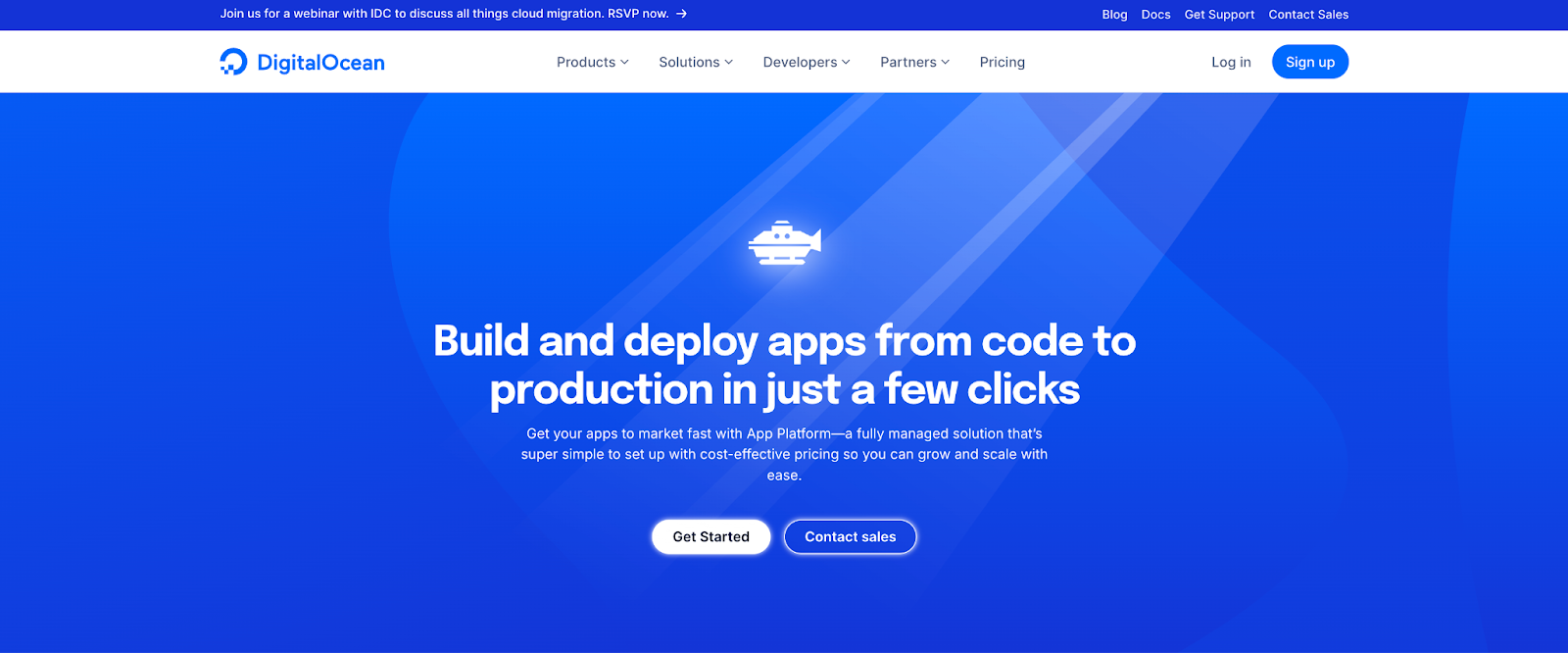
DigitalOcean App Platform is popular among digital-native enterprises for its straightforward, efficient approach to application deployment. This fully-managed PaaS simplifies the deployment process by handling the entire application lifecycle. Deploy applications directly from a Git repository or using pre-built container images. App Platform manages building, deploying, monitoring, and scaling, eliminating the need to manage infrastructure complexities. for a range of application types, including web applications, APIs, microservices, and static websites. It also provides a generous free tier that allows for hosting up to three static sites. You can also use the DigitalOcean MCP Server to integrate AI coding assistants and models into your applications.
DigitalOcean App Platform key features:
-
Support for static assets with included DigitalOcean CDN and dynamic applications, such as AI agents.
-
Compatibility with multiple programming languages, including Node.js, Python, Ruby, and PHP.
-
Worker Component Support and autoscaling are designed for compute-intensive workloads such as AI and event-driven tasks.
-
Compliance with SOC 2 Type II, SOC 3 Type II, CSA STAR Level 1, GDPR, and Global Cross-Border Privacy Rules standards. App Platform has a monthly uptime percentage SLA of 99.95%.
DigitalOcean App Platform pricing:
-
Free - $0. Three applications with static sites, deployment from GitHub and GitLab, automatic HTTPS, custom domain, global CDN, DDoS migration, and 1GiB data transfer allowance per app with static sites.
-
Paid - $5/month ($60/year). All free tier features plus deployment from container registries, shared and dedicated CPU, horizontal and vertical scaling, automatic OS patching, development and production databases, and up to 10 revisions for rollbacks.
DigitalOcean App Platform simplifies building, deploying, and scaling applications in the cloud. With an intuitive interface and powerful features, developers can focus on writing code while the platform handles infrastructure management, automated deployments, and scaling. App Platform supports numerous popular programming languages and frameworks, making it versatile for a wide range of projects.
2. AWS Elastic Beanstalk featuring integration with the AWS ecosystem
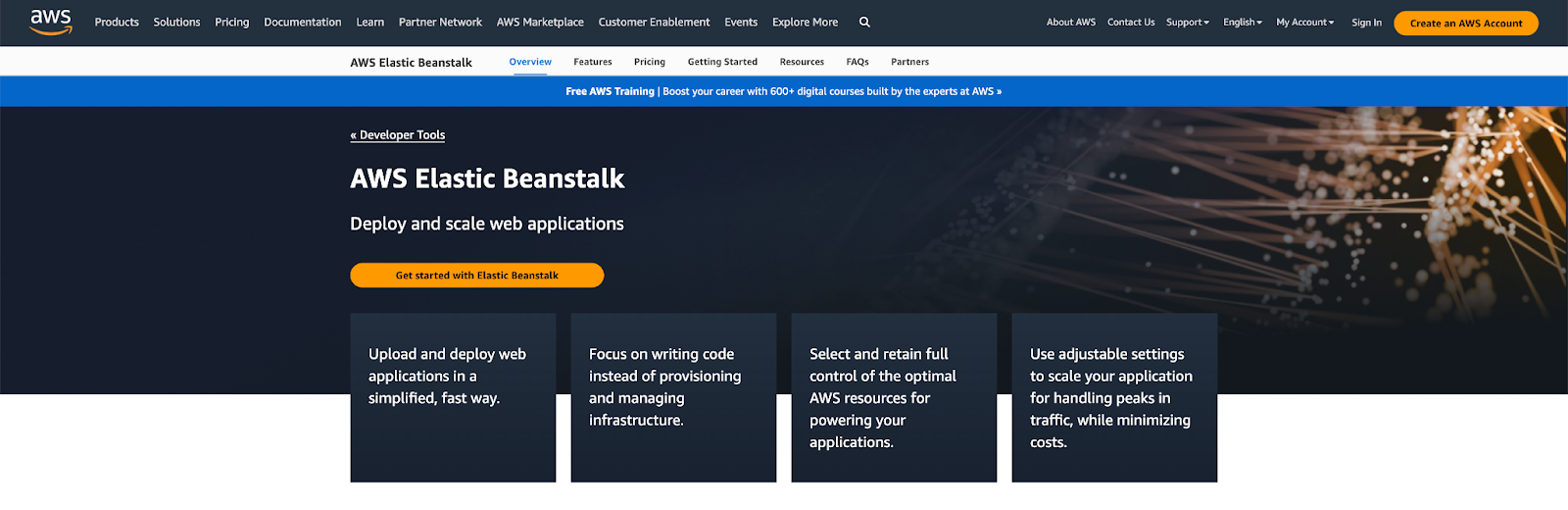
AWS Elastic Beanstalk is a managed service designed for deploying and scaling web applications and services on AWS Cloud. It supports Java, .NET, Node.js, PHP, Python, Ruby, and Go programming languages. Elastic Beanstalk provisions your application’s EC2 instances, sets up load balancing capabilities, and measures for dynamic scaling as infrastructure requirements. Beyond web server setups, Elastic Beanstalk has worker environments you can use for long-running or asynchronous tasks—such as processing images or videos, sending emails, or generating a ZIP archive.
AWS Elastic Beanstalk key features:
-
Deploy your code through the AWS Management Console, Elastic Beanstalk CLI, Visual Studio, and Eclipse.
-
Integration with Amazon CloudWatch and AWS X-Ray to get key metrics such as latency, CPU use, and response codes.
-
Compliance with ISO, PCI, SOC 1, SOC 2, and SOC 3 standards validation, as well as resources to enable HIPAA compliance.
AWS Elastic Beanstalk pricing:
There are no additional fees for using AWS Elastic Beanstalk. Users are billed only for the AWS resources their applications require, such as EC2 instances, storage, and data transfer.
3. Google Cloud Run with automated source code deployment
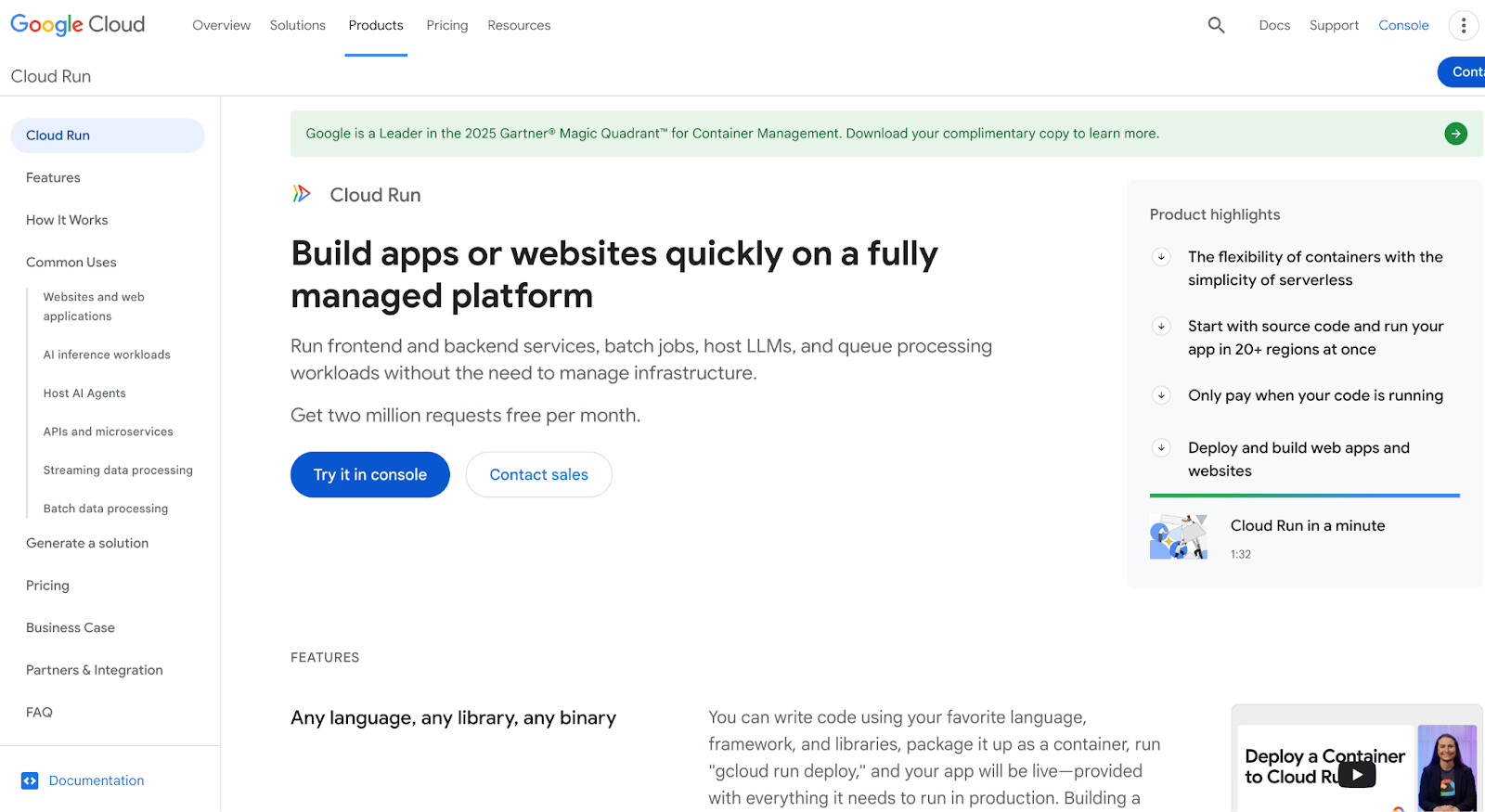
Google Cloud Run is a fully-managed platform for application and website deployment. It supports container-based and containerless setups and makes it easy to code with your preferred language, including Go, Node.js, Python, Java, .NET Core, and Ruby. Google’s buildpacks can take source code and turn it into production-ready container images for your PaaS application. Run LLM or inference workloads with access to NVIDIA L4 GPUs (up to 24GB of vRAM) for models with up to 9 billion parameters—which includes Llama 3, Mistral, and Gemma 2.
Google Cloud Run key features:
-
Supports AI agent hosting, APIs, and microservices, as well as batch data processing use cases.
-
Deploy Cloud Run with functions, multi-event trigger management, direct VPC egress, and traffic splitting and revision control capabilities.
-
Integrations with DataDog, HashiCorp, Pulumi, Cockroach Labs, CrowdStrike, and Ollama.
Google Cloud Run offers pay-as-you-go pricing and a pricing calculator for providing estimates.
-
Free Google Tier - $0/month. First 240,000 vCPU-seconds free per month and first 450,000 GiB-seconds free per month.
-
Paid Plan - Custom pricing. Components are priced at $0.00001800 / vCPU-second and $0.00000200 / GiB-second.
Our guide compares Google App Engine alternatives for application development and deployment. Learn more about options that provide straightforward routing, load balancing, and traffic management with predictable behavior and networking you can configure without getting lost in platform complexity.
Render alternatives with AI integrations and capabilities
Several PaaS options include AI capabilities, toolkits, SDKs, and libraries, along with built-in AI assistants to help with your application development and deployment.
4. Vercel featuring frontend-first hosting and Next.js development
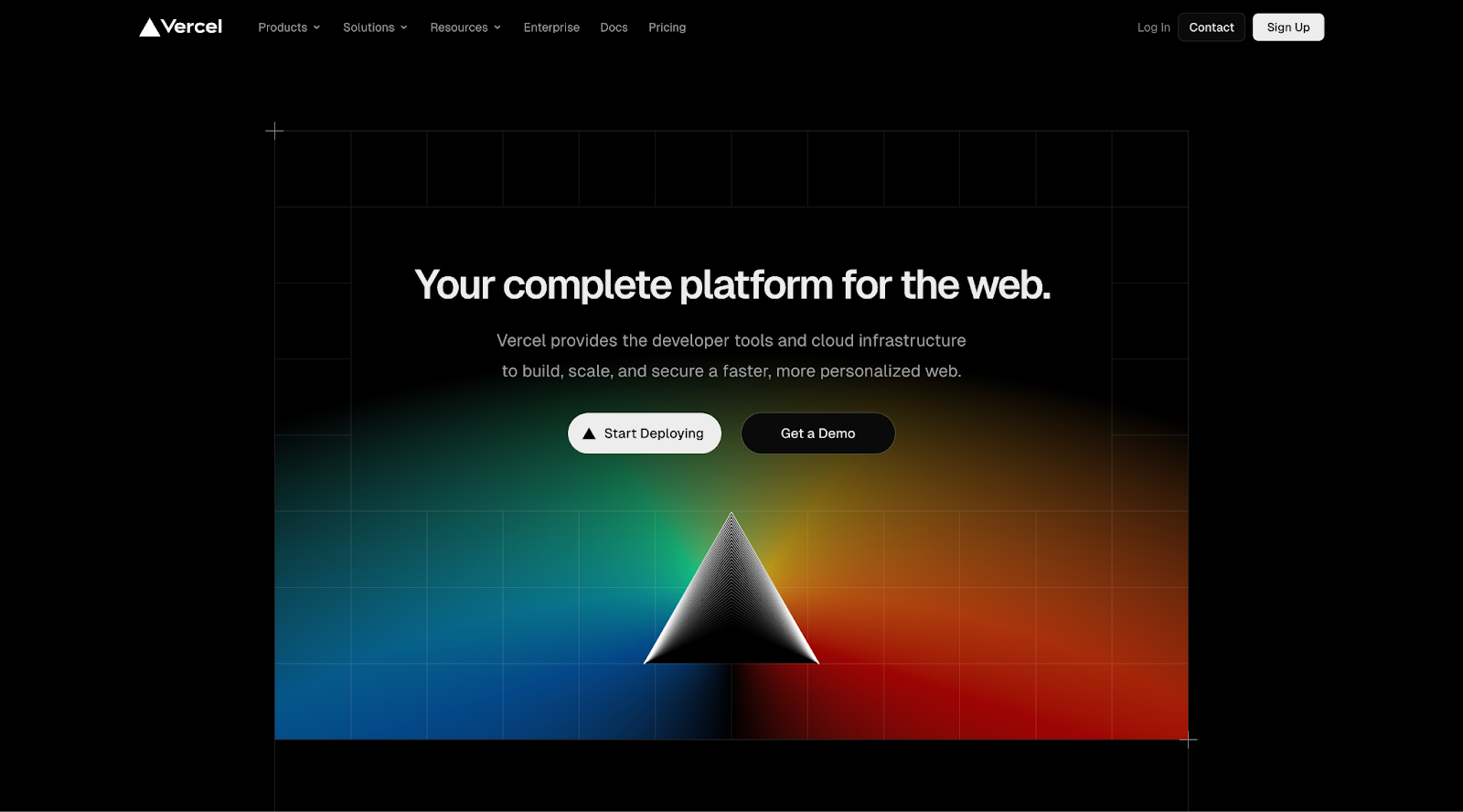
Vercel offers a frontend cloud platform to streamline modern web application development, scaling, and security. PaaS users can focus on their code and use Vercel’s pre-configured runtime environments and managed infrastructure to deploy applications. Vercel offers edge middleware that helps process requests at the data’s source, reducing overall latency and improving traffic routing flexibility. Vercel also maintains the Next.js web development framework and v0 AI model.
Vercel key features:
-
Access to the AI SDK, an open-source library for creating AI-powered applications and agents with TypeScript.
-
Content delivery network to optimize web application performance and improve static asset delivery.
-
Serverless functions for API building and deployment without additional hardware management and overhead.
-
Free - $0. Repository importing, automatic CI/CD, web app firewall, global automated CDN, DDoS mitigation, plus traffic and performance insights.
-
Hobby - $20/month ($240/year). Hobby features plus $20 of usage credit, advanced spend management, cold start prevention, faster build, and no queue time, plus team collaboration features.
-
Enterprise - Custom pricing. Pro features plus guest and team access controls, SCIM and directory sync, managed WAF rulesets, multi-region compute and failover, advanced support, and 99.99% SLA.
Vibe coding tools can help you turn ideas into working code faster by blending natural-language prompts with AI-assisted suggestions. Explore options such as v0 by Vercel, Lovable, and Replit to experiment with vibe-style workflows that fit your stack and development style.
5. Heroku featuring AI agents and web applications
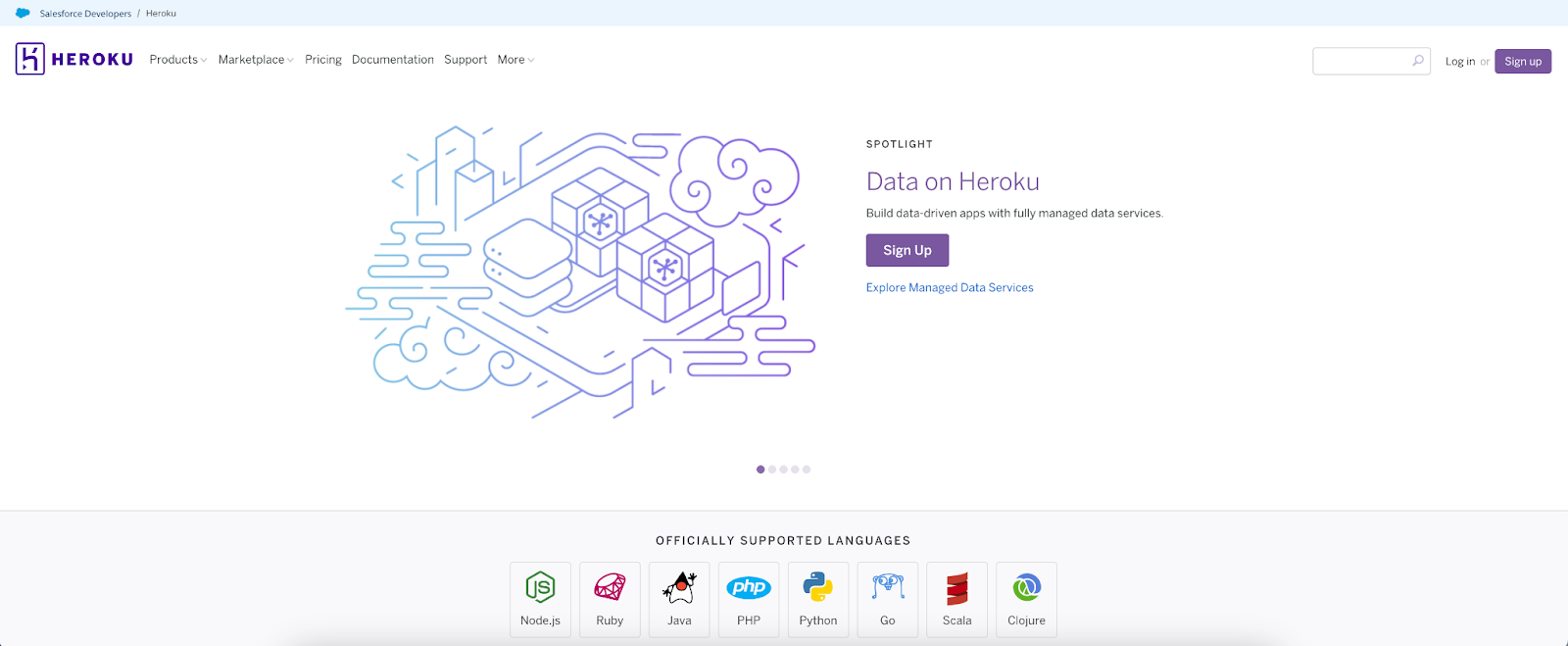
Salesforce’s Heroku offers a PaaS built on a managed container system with integrated data services. It provides an app-centric model for deploying modern applications, supported by robust developer tools and workflows for AI PaaS and AI model integration. Heroku is built on three core components: Heroku Developer Experience (dashboards and metrics, one-click code deployments, and Postgres database analytics), Heroku Operational Experience (app metrics, threshold alerts, and autoscaling), and Heroku Runtime (a fully-managed runtime environment). As of February 2026, Heroku announced it is realigning to a “sustainability model” rather than actively building new features. This means new users won’t have access to Enterprise Account contracts, and current users might find more limited feature sets over time and a reduced product roadmap.
Heroku key features:
-
Deploy applications directly from Git, GitHub, or CI systems, eliminating manual infrastructure management.
-
Use OpEx tools for troubleshooting, issue resolution, and tailored deployment processes with provided application metrics, runtime metrics, and consolidated logs (in your CLI or main dashboards)
-
Develop and deploy applications in popular languages, including Node.js, Ruby, Java, PHP, Python, Go, Scala, and Clojure.
Heroku pricing: Custom pricing based on infrastructure configuration, RAM, and compute requirements.
Migrating off Heroku doesn’t have to slow you down: DigitalOcean is offering three months free for new workloads, and for migrations exceeding $2,500 in projected spend, direct assistance from our Solution Architects and trusted partners to guide you from planning through cutover. Check out our Heroku migration guide or get in touch to start your migration.
6. Nelify featuring serverless workloads and AI building assistance
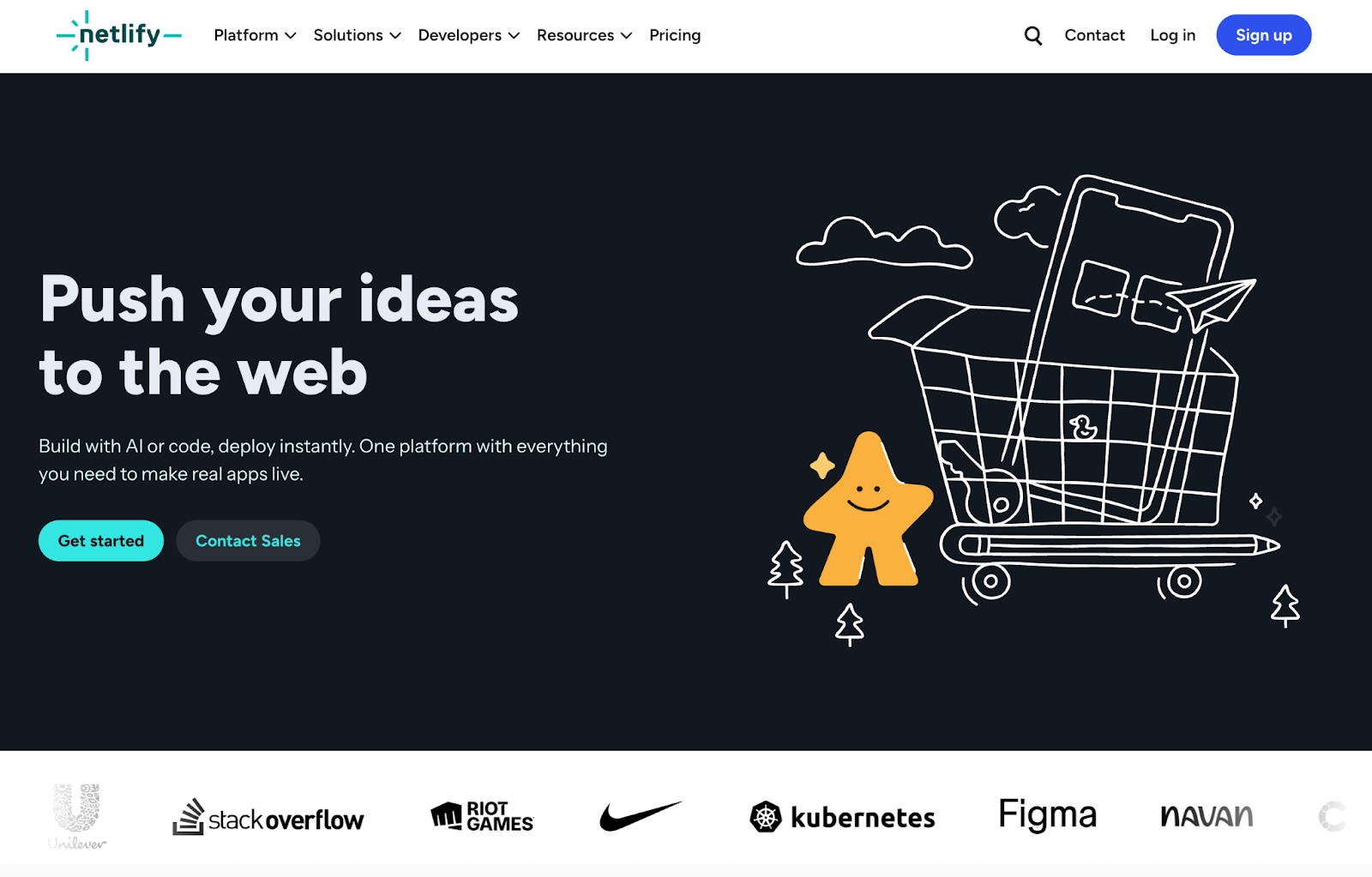
Netlify provides a streamlined solution for deploying and hosting web applications and websites, leveraging a serverless architecture to facilitate dynamic web experiences. It integrates automated builds, continuous integration, and deployment within a feature-rich environment and the underlying infrastructure, simplifying web development. Netlify is known for its fast, scalable solutions, though users should consider potential costs associated with scaling and the platform’s reliance on specific third-party integrations. You can also use Netlify to build out AI-generated code via drag-and-drop or share Netlify context files (that contain key information and instructions for LLMs) with your main AI coding tool. Then use Agent Runners (agents to update, fix, and ship code) and an AI Gateway (to integrate AI models into code) to troubleshoot and optimize AI workflows before publishing.
Netlify key features:
-
Composable web architecture with Netlify Core, Connect, and Create for a unified front-end cloud solution, data integration, and a visual editor for efficient content management.
-
Seamless continuous deployment with automatic deployment from Git repositories with features like instant cache invalidation, preview deployments, and rollbacks.
-
Advanced security and collaboration with SOC 2 compliance, robust team collaboration tools, and serverless functions for enhanced application dynamics.
Watch and learn how you can use Netlify to turn early app ideas into working prototypes and MVPs quickly by using AI tooling, writing effective prompts, and leveraging AI context files.
-
Free - $0. Deploy from your AI chat program, Git, or API, unlimited deploy previews, build with Agent Runners, Includes Functions & AI models, global CDN, firewall traffic rules, basic rate limiting, and 300 credits per month to use for production deploys, compute, AI inference, bandwidth, web requests, and form submissions.
-
Personal - $9/month ($108/year). Everything in Free, plus secret detection, priority email support, 7-day analytics and metrics, and 1K credits per month.
-
Pro - $20/user/month ($240/year). Everything in Personal, plus private organization repositories, shared env variables, 30-day analytics and metrics, and 3K credits per month.
-
Enterprise - Custom pricing. Everything in Pro plus a 99.99% SLA, enterprise networking, high-performance builds, SSO & SCIM, organization management, log drains, and dedicated support.
DigitalOcean’s new Netlify Extension brings your infrastructure and frontend workflow closer together by letting you connect DigitalOcean projects directly with Netlify builds and previews—streamlining deployments without stitching together separate tools.
Render alternatives with lightweight hosting for developers
These PaaS options generally require little technical overhead and can offer the granularity you may need for hands-on infrastructure management and specialized hardware configurations.
7. Fly.io with global container-based application implementation
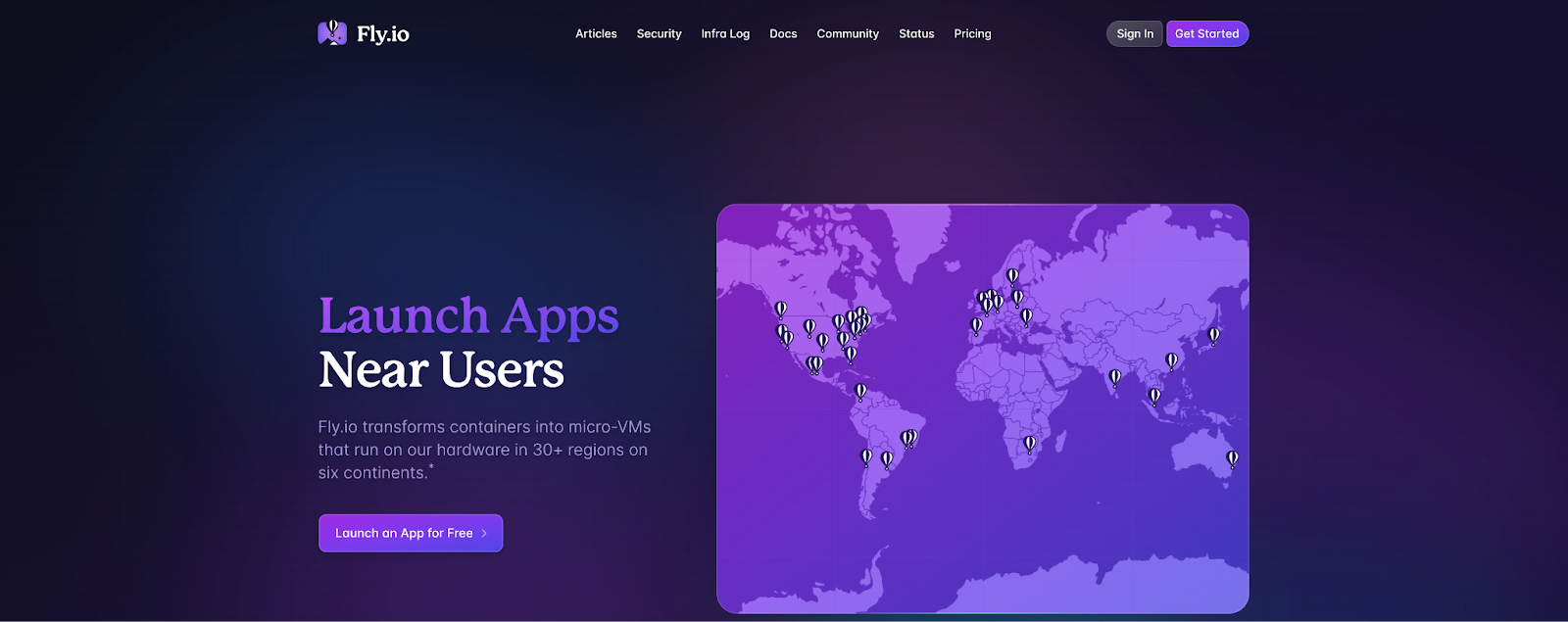
Fly.io is a cloud computing platform designed to deploy and operate app servers closer to users worldwide, enhancing performance and reducing network latency. With its micro-VMs, Fly.io provides strong isolation and security while streamlining the setup process. The platform supports rapid global deployment with automatic scaling. While Fly.io offers a robust and secure environment, potential users should know its complex pricing structure and regional availability considerations for large-scale operations.
Fly.io key features:
-
Automatically scales applications with zero-config secure networking and global Anycast support.
-
Offers SOC 2 compliance, memory-safe programming environments, and customizable VM configurations.
-
Provides globally distributed databases, persistent storage with automated backups, and advanced Postgres cluster management.
Custom pricing based on a pay-as-you-go pricing model. Estimate your costs with the Fly.io pricing calculator.
Looking for low-latency cloud computing options beyond Fly.io? Learn about additional options that can support AI, machine learning, real-time analytics applications with our list of Fly.io alternatives.
8. Railway featuring full-stack application development
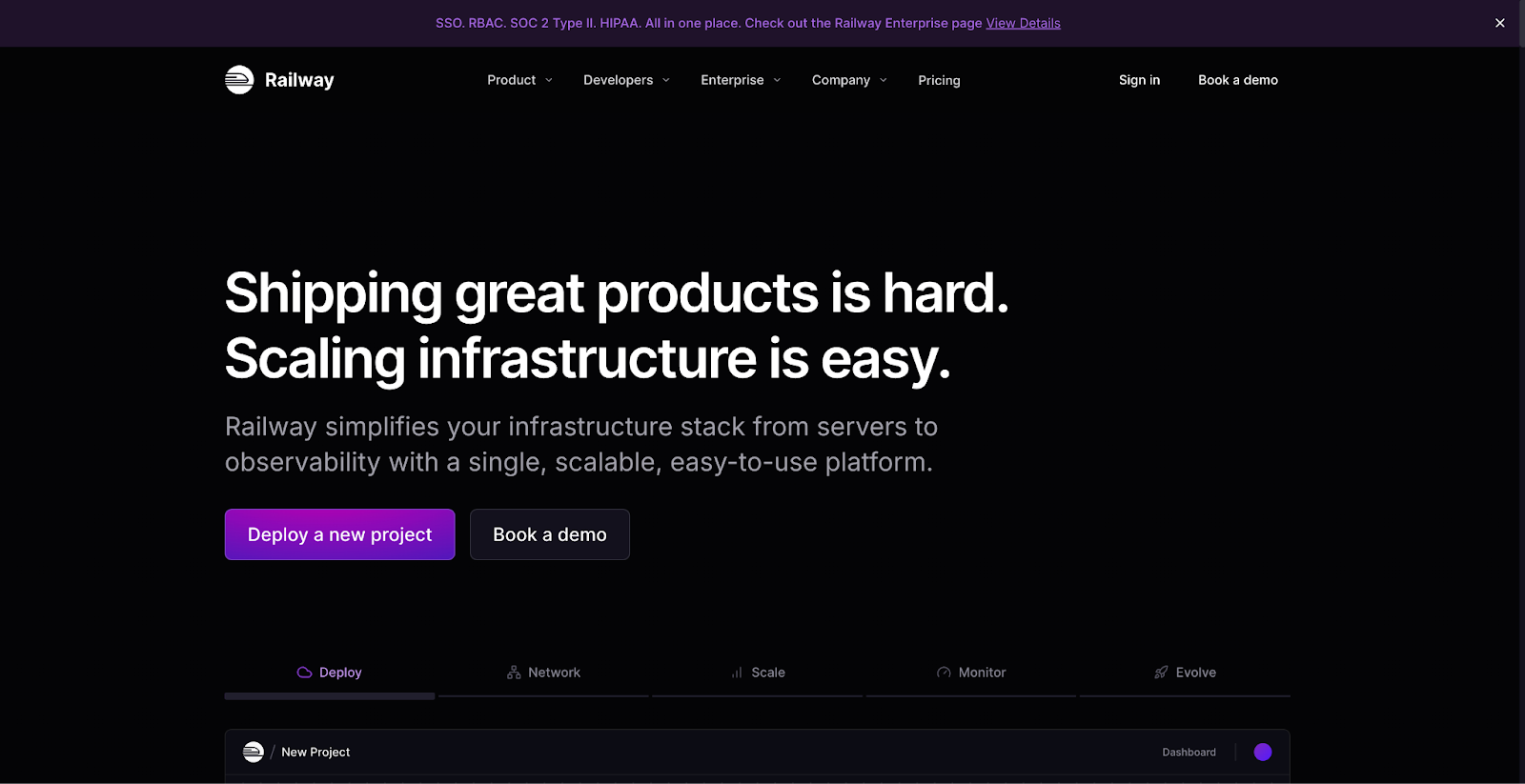
Railway is designed for full-stack applications that require database connections and scheduled cron jobs. The platform offers PostgreSQL, MySQL, MongoDB, and Redis databases for built-in backups and data storage. Run applications on public or private networking configurations, and use custom domains with automatic encryption for added security. Railway also provides temporary PR environments and config-as-code functionality. Yet, despite Railway’s flexibility, some users have reported complex setups and scaling issues with permission controls and storage.
Railway key features:
-
Integrations with Docker, GitHub, and local code repositories to push code changes to deployment.
-
Horizontal, vertical, and global scaling capabilities for application deployment.
-
Railway template library with pre-configured code for quick application launches.
-
Free Trial - $0/30 days. Up to 0.5GB of RAM, 1vCPU per service, and 0.5GB of volume storage.
-
Hobby - $5/min usage. $5 of usage credits, up to 8GB RAM/8 vCPU per service, single developer workspace, community forum support, and global regions.
-
Pro - $20/min usage. $20 of usage credits, up to 32GB RAM/32 vCPU per service, unlimited workspace seats, priority support, concurrent global regions, and granular access control.
-
Enterprise - Custom pricing. SSO, audit logs, HIPAA BAAs, support SLOs, 90-day log history, dedicated VMs, and bring your own cloud.
Render alternatives FAQ
What are the best Render alternatives for production web apps?
The best alternative will depend on your requirements, but DigitalOcean, AWS Elastic Beanstalk, and Google Cloud Run all support production web applications. DigitalOcean offers managed migrations, supports open source standards, and offers its Gradient AITM Inference Cloud for AI application development. These alternatives can also integrate into many existing developer ecosystems, enabling you to take advantage of a wide range of connected applications and services.
Which Render alternatives can offer more predictable pricing at scale?
Selecting a provider with tiered pricing can often lead to more predictable costs as your application grows, compared to purely pay-as-you-go models. This is because tiered models provide fixed monthly spending and usage caps, while pay-as-you-go pricing changes based on infrastructure use and potential resource surges… Providers that offer tiered pricing include DigitalOcean, Vercel, and Netlify.
Is DigitalOcean App Platform a good replacement for Render?
DigitalOcean App Platform can be an excellent replacement if you need an open-source PaaS offering that suits a variety of application types, since it supports Git integration and pre-built container deployments for easier development. DigitalOcean also offers extensive, hands-on support and straightforward pricing options.
What platforms support seamless CI/CD for web apps?
Most PaaS offerings have integrated CI/CD workflows for web applications, which you can use to automate new code commits to push from Git, GitLab, or a custom code repository. DigitalOcean’s App Platform publishes code directly to your web application in the cloud, a container image, or Docker Hub. Other options with CI/CD support include AWS Elastic Beanstalk, Google Cloud Run, Vercel, Heroku, Netlify, Fly.io, and Railway.
What is the easiest Render alternative to migrate to?
The easiest Render alternative to migrate to will depend on your PaaS selection requirements, necessary capabilities, integrations, and budget. Migration-friendly options include DigitalOcean, AWS Elastic Beanstalk, Google Cloud Run, Netlify, and Fly.io. DigitalOcean offers fully managed migrations with support staff to help protect against important code or data being lost in the process.
Build your next big thing with DigitalOcean App Platform
DigitalOcean App Platform is a developer-focused platform that can build, deploy, and scale apps without managing servers, containers, or complex infrastructure. Push code to GitHub or GitLab, and App Platform automatically builds, deploys, and runs your application using a fully managed, globally distributed infrastructure. From web apps and APIs to background workers and static sites, App Platform offers a streamlined developer experience with predictable pricing, integrated security, and hands-off operations.
Key features:
-
Automatic deployments from GitHub and GitLab with built-in CI/CD
-
Fully managed infrastructure with zero-config scaling and high availability
-
Support for major languages and frameworks: Python, Node.js, Go, PHP, Ruby, and more
-
App autoscaling, horizontal scaling, and performance monitoring
-
Easy database integration with managed PostgreSQL, MySQL, and Redis
-
Global CDN and HTTPS built in for fast, secure delivery
-
Environment variables, secrets management, and private services
-
Rollbacks, deploy previews, and infrastructure as code via API and Terraform
Get started with DigitalOcean App Platform and ship your next application faster—without ever touching a server.
DISCLAIMER: Any references to third-party companies, trademarks, or logos in this document are for informational purposes only and do not imply any affiliation with, sponsorship by, or endorsement of those third parties.
About the author

Jess Lulka is a Content Marketing Manager at DigitalOcean. She has over 10 years of B2B technical content experience and has written about observability, data centers, IoT, server virtualization, and design engineering. Before DigitalOcean, she worked at Chronosphere, Informa TechTarget, and Digital Engineering. She is based in Seattle and enjoys pub trivia, travel, and reading.
Start building today
From GPU-powered inference and Kubernetes to managed databases and storage, get everything you need to build, scale, and deploy intelligent applications.