From code AI coding assistants that auto-complete complex API integrations to automated dependency scanners that flag vulnerability issues before they reach production, teams are building software with AI in the loop. This tracks with what we’re seeing in the data: 2026 Currents research report found that 54% of businesses are pursuing code generation or refactoring as an agent use case—the highest-ranked category in the survey. As AI reshapes how code gets written and deployed, testing is getting the same treatment.
Software testing has traditionally meant either manual testers clicking through an app or engineers writing automated scripts that break the moment something in the UI changes. Early test automation helped speed things up, but tests were rigid: a renamed button or updated layout could tank an entire suite. AI entered the picture with self-healing test maintenance tools that could recognize those changes and adapt instead of failing. Now, AI-native test generation platforms can create, execute, and update entire test suites from natural language prompts alone. Read on for a breakdown of AI testing tools on the market, from experience-based models to open-source alternatives, all designed to help your team ship reliable software faster.
Key takeaways:
-
AI testing tools help teams scale QA by reducing test maintenance and improving test stability and coverage for faster release cycles.
-
Teams adopt AI testing tools to expand test coverage, reduce flaky tests, and integrate testing more closely into CI/CD workflows.
-
When evaluating AI testing tools, consider test coverage across UI and APIs, CI/CD integration, scalability, reporting depth, and long-term maintenance effort.
-
AI testing tools to consider include ACCELQ, Mabl, Tricentis Tosca, Testim, Functionize, Virtuoso QA, Leapwork, Checksum, Applitools, Keysight Eggplant Test, Perfecto, Sauce Labs, and Cypress.
What are AI testing tools?
AI testing tools are test automation platforms that use statistical models, such as classification, regression, and anomaly detection, to identify failure points in code execution paths. These systems analyze historical defect patterns and application behavior to generate test scenarios. The scenarios cover edge cases that human QA engineers might miss and automatically adapt to UI changes.
How do AI capabilities improve the testing workflow
In development environments, AI testing platforms simplify software validation with these capabilities:
-
Automated test case generation based on code analysis reduces the manual effort required to achieve thorough test coverage.
-
Predictive regression detection through analyzing historical bug patterns and identifying vulnerable areas of code before deployment
-
Self-healing automation that adapts to minor UI changes without requiring manual updates, reducing test maintenance overhead.
-
Risk-based test prioritization using algorithms that evaluate which components are most likely to contain defects after recent changes.
Learn how to design, run, and evaluate A/B tests covering common mistakes, real-world use cases, and practical tools to turn data into better business decisions.
AI testing use cases
From CI/CD pipelines to accessibility audits, AI testing tools plug into several stages of the development workflow:
-
CI/CD pipelines: Automated testing with AI can plug directly into your CI/CD workflows, running automatically on every commit or pull request so bugs get caught before code merges. This keeps your pipeline moving without waiting on manual QA to greenlight each change.
-
Accessibility validation: Automated QA tools support large-scale browser and device testing. Accessibility testing AI helps identify UI and usability issues early, flagging missing alt text, poor color contrast, or broken screen reader navigation across devices and browsers.
-
Reducing test maintenance: Test automation platforms reduce manual updates when UI elements change. Instead of manually rewriting tests every time a layout shifts, self-healing tools adapt automatically, lowering long-term maintenance effort.
-
Regression testing at scale: By learning from historical defects, AI bug detection helps teams prioritize high-risk areas and scale regression testing efficiently as applications grow.
-
Performance and load validation: AI-assisted load testing automation simulates thousands of concurrent users hitting your app, identifying bottlenecks like slow API responses or memory leaks under traffic spikes—without writing separate performance test scripts from scratch.
DigitalOcean Gradient™ AI Platform offers businesses a fully-managed service to build and deploy custom AI agents. With access to leading models from Meta, Mistral AI, and Anthropic, the platform makes it easier to integrate powerful AI capabilities into your applications.
Manual vs AI testing
Manual testing relies on human testers to interact with an application, verify its behavior, and report bugs. It’s still a good way to catch nuanced UX issues, but it becomes a bottleneck at high release speeds. AI testing complements it by handling the repetitive, scalable work—regression suites, cross-browser checks, load testing—so manual testers can focus where human judgment actually matters.
| Factor | Manual testing | AI testing |
|---|---|---|
| Test execution | QA engineers interact with the app step by step, verifying behavior and reporting bugs | Tests are generated and executed automatically, often triggered by code changes |
| Speed | Thorough but slow — becomes a bottleneck at high release speeds | Faster execution, suitable for frequent releases |
| Test maintenance | High maintenance when UI or workflows change | Self-healing capabilities adapt to UI changes automatically |
| Test coverage | Best for nuanced UX issues and edge cases that require human judgment | Broader coverage with edge cases and uncommon paths, like unusual user flows and rare input combinations |
| Best suited for | Exploratory testing and catching issues that scripts would miss | Regression, CI/CD pipelines, and large-scale automation |
DigitalOcean provides abundant resources to guide you in building your AI workflow:
Benefits of AI testing tools
AI software testing tools use machine learning algorithms and generative AI techniques to transform software testing practices. By automating test case generation and providing predictive analysis for issue detection, they simplify the testing process.
-
Improved test automation and efficiency: AI testing tools boost the efficiency of test automation by automatically generating test cases and maintaining test scripts. Consider a cloud-based CRM platform where user interaction patterns change frequently. AI can observe those patterns, generate new coverage where needed, and update existing tests without adding to the team’s manual workload.
-
Predictive and path analysis for proactive issue detection: By analyzing historical test results and code changes, AI models highlight areas most likely to fail. In a project management application, this means flagging high-risk workflows before release, which helps teams prioritize testing before defects impact end users.
-
Visual testing and analytics for comprehensive UI validation: Visual AI capabilities in testing tools enable thorough UI validation across various devices and screen sizes. Instead of simply checking DOM elements, these tools compare layouts, spacing, fonts, and visual consistency at a pixel level. For instance, a team building a content management system on the cloud can use AI-powered visual testing tools to compare visual elements and layouts. The visual test analytics offered by these tools give detailed insights into UI issues, supporting quicker resolution.
-
Continuous testing and smooth integration in CI/CD pipelines: AI-powered software testing tools are designed for integration into CI/CD pipelines, facilitating continuous testing. A cloud-based enterprise resource planning (ERP) system executes regression tests on each release, where automated checks run with every commit, merge, or deployment.
Jomashop uses DigitalOcean’s Gradient AI Platform to automate and validate product data at scale. Internal AI agents help test and refine product descriptions before publishing. This helps improve accuracy and strengthen SEO without heavy infrastructure overhead.
Top features to look for in an AI testing tool
The right testing tool helps you balance coverage, speed, and maintainability. They help reduce flakiness (tests that pass or fail inconsistently, even when the application code hasn’t changed) by adapting to UI changes.
-
Test coverage: A good testing tool should support broad coverage across UI, API, and end-to-end workflows. AI-driven testing helps expand the scope by generating scenarios from real usage patterns, including edge cases that are easy to miss in manual testing.
-
Integration: Integration with GitHub, GitLab, and CI/CD pipelines matters because it lets you run tests automatically with every code change. Automated testing with AI ensures tests run with every code change in your DevOps workflows.
-
Overhead reduction: Test automation should reduce effort over time, not create more work. Self-healing tests use AI bug detection and context-aware analysis to adapt when UI elements change, helping reduce flaky tests and lower ongoing maintenance.
-
Scalability: With parallel execution, testers run multiple tests simultaneously rather than sequentially. This shortens test cycles as your test suite grows, so teams can add more tests and onboard more projects without slowing releases or increasing manual effort.
-
Reporting and insights: Clear reporting turns test results into action. Automated QA tools, coupled with dashboards and trend analysis, make it easier to spot recurring failures and regression-prone areas.
Want a practical approach to testing? Testing Angular with Jasmine and Karma gives you a test design for real-world Angular applications.
13 AI testing tools to explore in 2026
Whether you need self-healing regression tests or AI-generated end-to-end coverage, the market has options. Here are 13 AI testing tools—from Mabl to CodeceptJS—and what sets each one apart.
Pricing and feature information in this article are based on publicly available documentation as of February 2026 and may vary by region and workload. For the most current pricing and availability, please refer to each provider’s official documentation.
*This “best for” information reflects an opinion based solely on publicly available third-party commentary and user experiences shared in public forums. It does not constitute verified facts, comprehensive data, or a definitive assessment of the service.
| Solution | Best for* (use cases) | Key features | Pricing |
|---|---|---|---|
| ACCELQ | Process-driven automation | Business-flow–based automation, QGPT Logic Builder with plain-English logic, CI/CD-embedded test planning, ACCELQ-Live marketplace. | Free trial; Custom pricing |
| Mabl | Agile teams with Salesforce workflows | ML-based adaptation to app changes, unified API testing, accessibility reuse from UI tests, Salesforce workflow coverage. | 14-day free trial; Custom pricing |
| Tricentis Tosca | Risk-based testing | Generative AI via Tosca Copilot, Vision AI for remote desktop apps, and test generation from design mockups. | Free trial; Custom enterprise pricing |
| Testim | Cross-device testing | AI-driven test generation and maintenance, Selenium-compatible cross-browser tests, Salesforce-focused automation | Free Community plan; Custom pricing |
| Functionize | Autonomous, self-maintaining workflows | AI agents for test lifecycle automation, Chrome-based Architect recorder, computer-vision visual validation | Free trial; Custom pricing |
| Virtuoso QA | Teams with no-code UI automation | Natural-language test creation, autonomous waits for stability, and cross-browser regression testing | Custom pricing |
| Leapwork | Deploying reusable test flows across systems | Visual no-code modeling, hypervisual debugging, resilient regression flow updates | Custom pricing |
| Checksum | Tests from real user behavior | Test creation from production sessions, AI self-healing for failures, Playwright/Cypress output | Custom pricing |
| Applitools | Visual accuracy and UI consistency | Visual AI regression detection, flexible deployment options, Storybook UI testing | Starter: $969/month; Public Cloud & Dedicated Cloud: Custom pricing |
| Keysight Eggplant Test | Complex or regulated environments needing user-perspective testing | Image-based computer vision testing, AI test generation, full-stack validation | 14-day free trial; Custom pricing |
| Perfecto | Testing web, mobile, and enterprise user experiences | Scriptless to low-code testing, semantic UI validation, agentic AI execution, and analysis | 14-day free trial; Custom pricing |
| Sauce Labs | Large-scale cross-browser, mobile, and continuous testing | AI-assisted test creation, massive parallel execution, SDLC-wide quality coverage | Live: $39/mo; Virtual Cloud: $149/mo; Real Device Cloud: $199/mo; Enterprise: Custom pricing |
| Cypress | JavaScript front-end teams | Generates tests from plain-English instructions, visually shows which pages and components are exercised by tests, integrates with Giit, Slack, Jira, and SSO support. | Starter- Free; Team- $67/month or billed annually at $799/year; Business- $267/month or billed annually at $3,199/year; Enterprise- Custom pricing. |
Low-code automation testing tools
Low-code AI testing tools simplify test creation without removing control from engineering teams. They help teams scale automation faster by lowering setup effort and making tests easier to manage across projects.
1. ACCELQ with process-driven automation framework
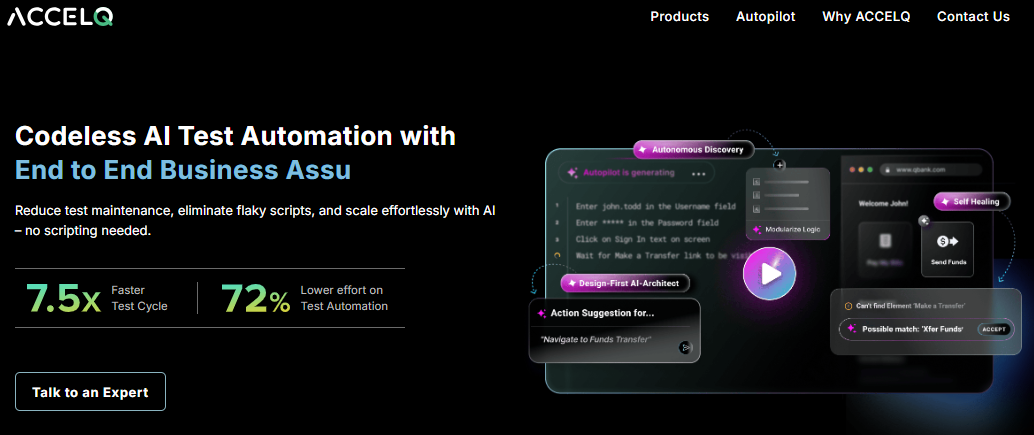
ACCELQ is an AI testing platform to unify manual and automated testing across the entire QA lifecycle. Mahendra Alladi founded ACCELQ in 2014 to solve real-world QA challenges like the high cost of maintaining automated tests and the difficulty of testing APIs and web apps without writing code. ACCELQ offers strong support for in-sprint automation, intelligent change management, and lifecycle-wide visibility.
One standout feature is ACCELQ-Live, which provides access to prebuilt, partner-developed automation assets for common enterprise applications. The platform also provides deep support for cloud and packaged enterprise applications, including Salesforce, Workday, Oracle, ServiceNow, SAP, and more.
ACCELQ key features:
-
Models tests around end-to-end business flows instead of individual test cases to validate real application behavior.
-
Uses QGPT Logic Builder for test creation using plain English style for automation.
-
Offers a no-code mobile test automation platform for unified, self-healing cross-device testing in the full QA lifecycle.
-
Free trial: $0. Automation across web, mobile, and API testing.
-
Custom: Based on deployment model, automation scope, and execution needs.
Test a Node RESTful API with Mocha and Chai walks through explains how a well-set-up test environment helps detect regressions early.
2. Mabl with agile teams and Salesforce workflows
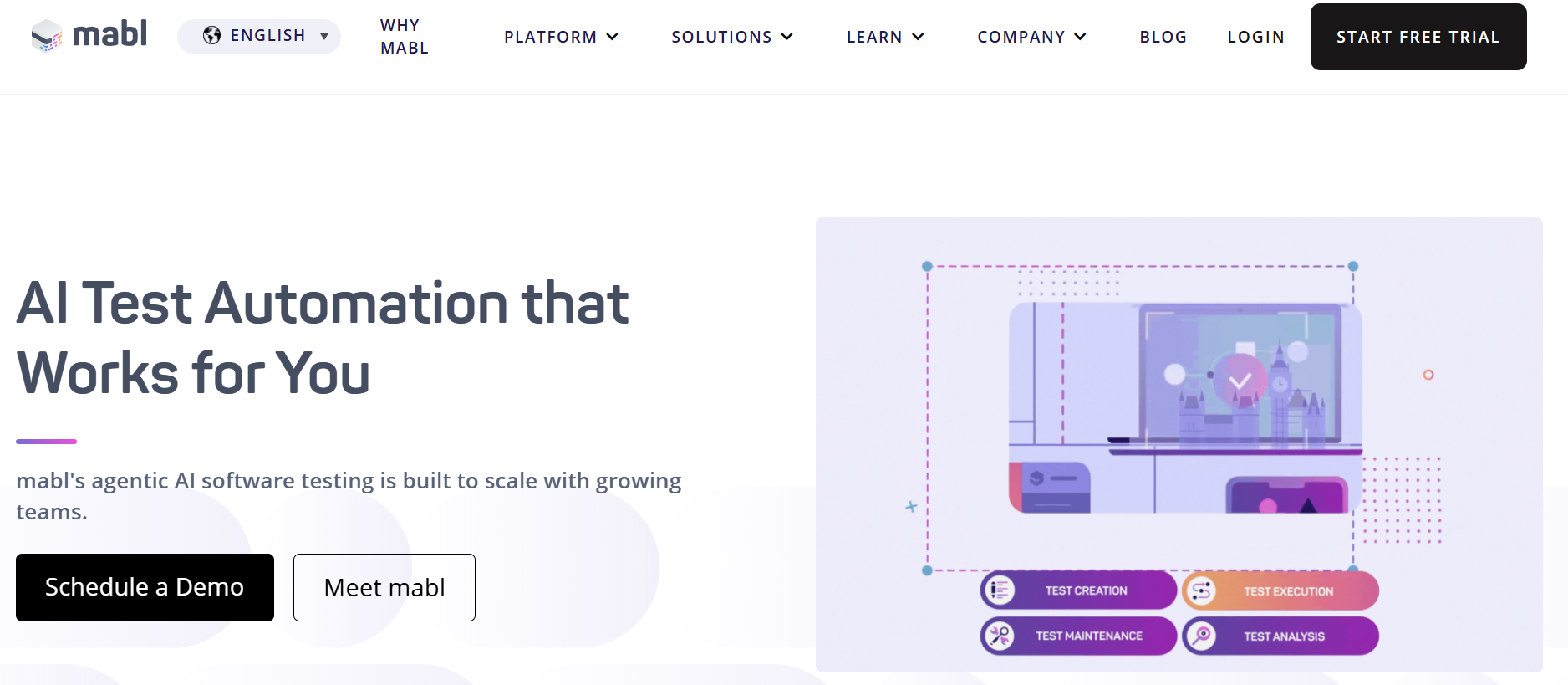
Mabl is an AI-native test automation platform founded in 2017 by former Google product managers Dan Belcher and Izzy Azeri. Under the hood, it uses machine learning, generative AI, and computer vision to create, execute, and maintain end-to-end tests across web, mobile, and API layers. Tests auto-heal when UI elements change, and low-code test creation means you don’t need programming experience to get started. A desktop app for Mac, Windows, and Linux supports both local and cloud-based test runs, with local runs not consuming cloud credits.
More recently, the platform introduced agentic testing—AI that autonomously generates structured tests from natural language inputs like requirements or user stories. Integrations with tools like Jira, Slack, Teams, and CI/CD pipelines let teams track bugs, share results with step-by-step screenshots, and fold testing into their existing workflows without context-switching between platforms. Mabl also provides an MCP server that brings its test automation capabilities directly into your IDE, so developers on your team can find relevant tests, run them locally, and get failure insights without leaving their editor.
Mabl key features:
-
Creates browser UI tests for the user journey, including Scalable Vector Graphics (SVGs), Two-Factor Authentication (2FA), email, and PDFs, using low-code and JavaScript.
-
Prepares mobile UI tests for hybrid or native mobile frameworks using low-code scripts.
-
Provides automated UI, API, and integration testing for Salesforce workflows to reduce brittle scripts and maintain consistent quality across releases.
-
Free trial: A 14-day free trial to check all Mabl features.
-
Custom: Tailored pricing based on testing scope, cloud execution needs, and collaboration requirements.
3. Tricentis Tosca with risk-based testing
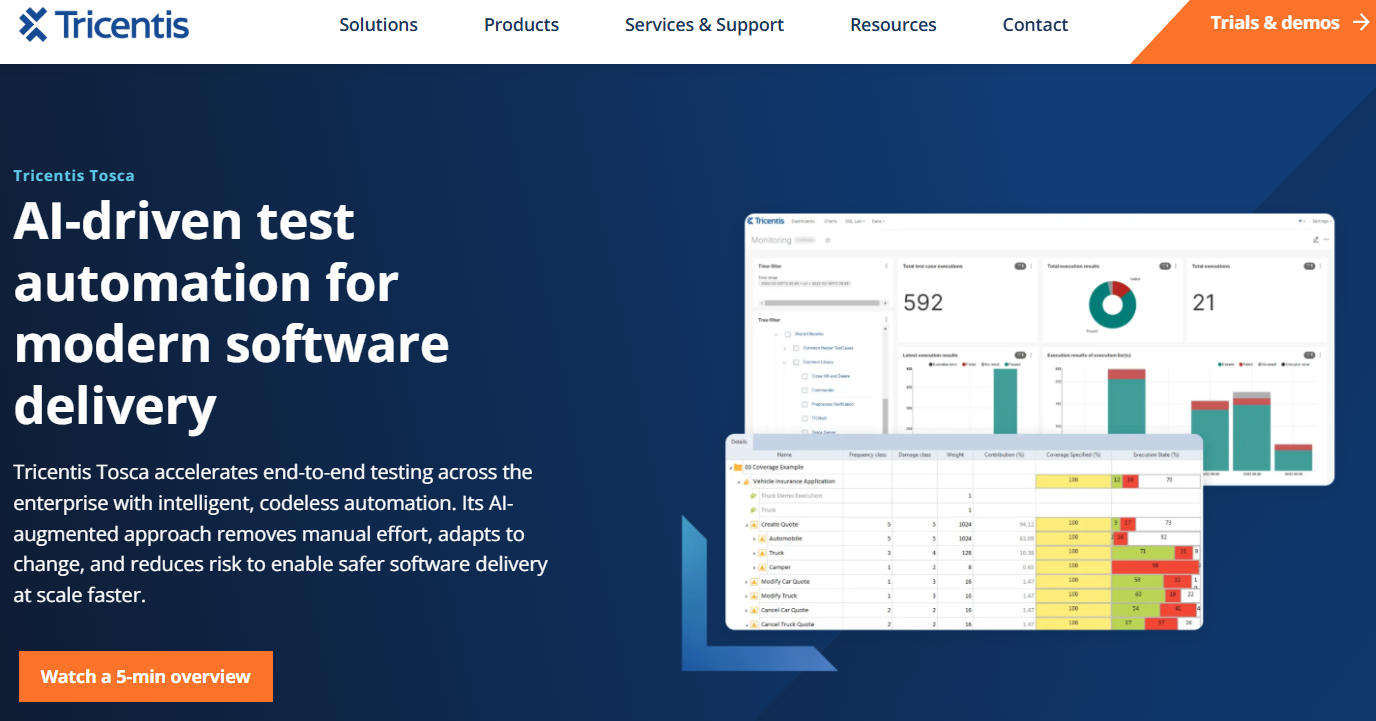
Tricentis Tosca is a heavyweight in the enterprise test automation space—the kind of tool that massive orgs bring in when they need to test across a sprawling, messy IT landscape without writing a ton of code. It’s codeless and model-based, meaning QA teams can build and maintain automated tests without deep programming chops, which is a big part of its appeal for organizations trying to get non-developers involved in testing. Tosca covers a wide surface area: web, mobile, APIs, SAP, Salesforce, Oracle, mainframes, and 160+ technologies from its platform. Its Vision AI feature is particularly interesting: it uses visual recognition to automate testing for remote desktop and legacy applications, and can generate test cases directly from design mockups before any code is written.
If you’re a smaller team working primarily with modern web apps, you’ll likely find better value elsewhere—its pricing is often cited as high on software review sites. But for complex enterprise environments, it’s arguably the most comprehensive option on the market.
Tricentis Tosca key features:
-
Tosca Copilot is a generative AI assistant that uses advanced large language models (LLM) to automate test processes and optimize test assets.
-
AI-powered change intelligence for SAP that monitors delivery pipelines and production systems to reduce release risk, cost, and deployment time.
-
Offers “go/no-go” release decisions by aligning testing efforts with business priorities and risk factors.
-
Free trials: Across multiple solutions like intelligent test automation, load and performance testing, test management, mobile testing, and Salesforce testing.
-
Custom: Costs specific to enterprise testing needs.
4. Testim with cross-device testing
Acquired by Tricentis in 2022, Testim is used by the product teams that need end-to-end UI testing without sacrificing code-level flexibility. Originally designed for custom web applications, Testim now combines low-code authoring with deep customization. Where Testim really differentiates itself is in stability. Instead of relying on brittle CSS selectors like traditional frameworks, it analyzes the complete object structure and adapts as applications evolve.
When tests break, teams can visually replay each execution step with automatically captured screenshots and compare it against a previous successful run to spot divergences. From there, parsed console logs help pinpoint whether the root cause lies in the application, the network, or the test logic. Testim is well-suited for mid-sized to large SaaS teams that are serious about scaling UI and end-to-end automation across web, mobile, and Salesforce environments.
Testim key features:
-
Built-in TestOps and root cause intelligence that treat tests like code with branching, pull requests, and ownership controls.
-
Agentic and low-code test creation with natural language generation, intelligent recording, reusable groups, and optional JavaScript customization for QA and developer workflows.
-
Uses AI-based Smart Locators that analyze hundreds of DOM attributes and self-heal as applications evolve.
-
Free plan: $0. Offers a free Community plan that becomes available after completing the trial, with a limit of one Community plan per organization.
-
Custom pricing: Paid plans use quote-based pricing specific to web, mobile, and Salesforce testing needs.
5. Functionize with autonomous, self-maintaining workflows
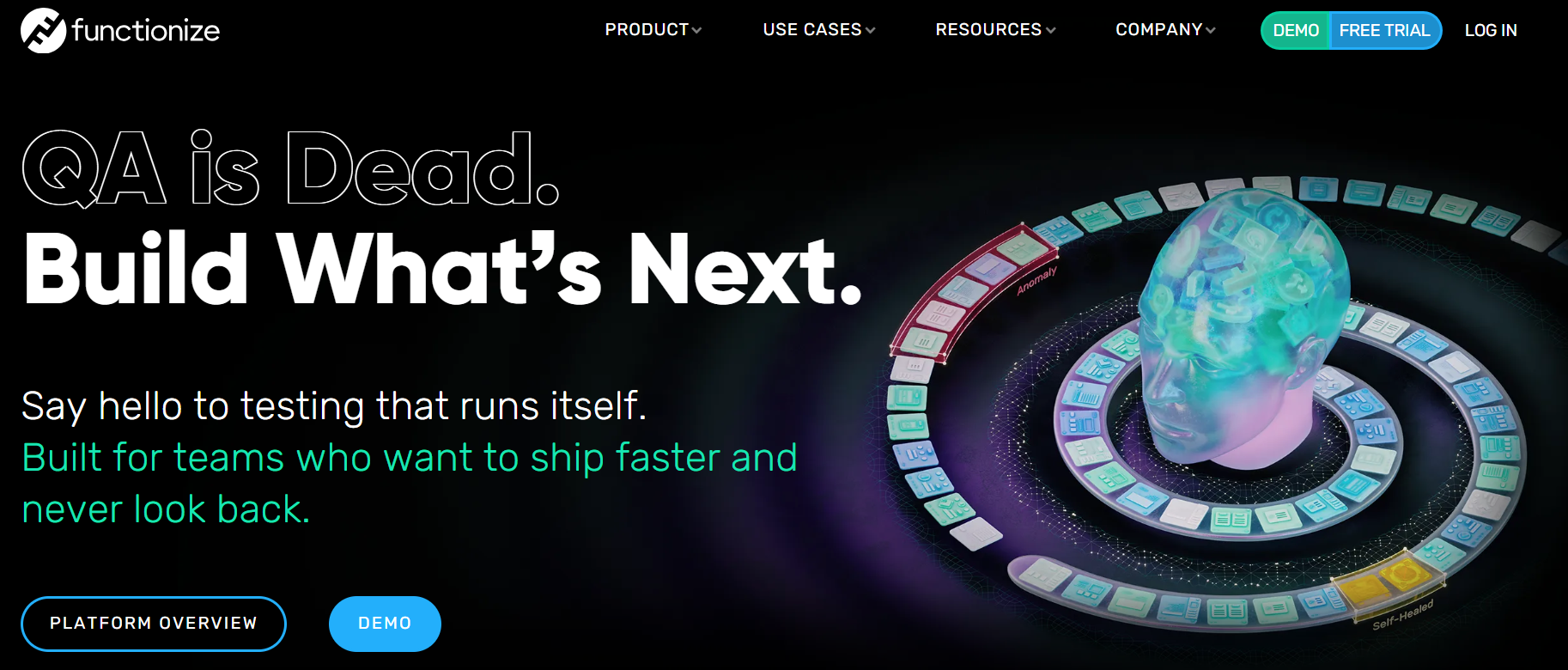
Functionize combines cloud-first infrastructure with application intelligence trained on large-scale enterprise data. If you’re running large, complex applications and struggling with brittle automation, this platform is designed to replace manual maintenance with adaptive, model-driven intelligence. With Architect, teams capture and generate workflows through record-and-replay or natural language descriptions for test creation without heavy coding. Testing environments with multi-region releases, regulated environments, or complex workflows will get the most value. Functionize is well-suited for enterprise organizations that need high coverage, reduced maintenance, secure cloud architecture, and strong governance.
Functionize key features:
-
Embeds generative AI and machine learning through testGPT engine and TestAGENTS.
-
Offers “SmartFix”, a one-click, ML remediation that identifies root causes and suggests ranked fixes for common test failures.
-
Integrates visual verifications into automated tests using computer vision for pixel-perfect user experiences.
- Functionize offers a free trial, after which it gives custom pricing based on inquiry.
6. Virtuoso QA with teams using no-code UI automation
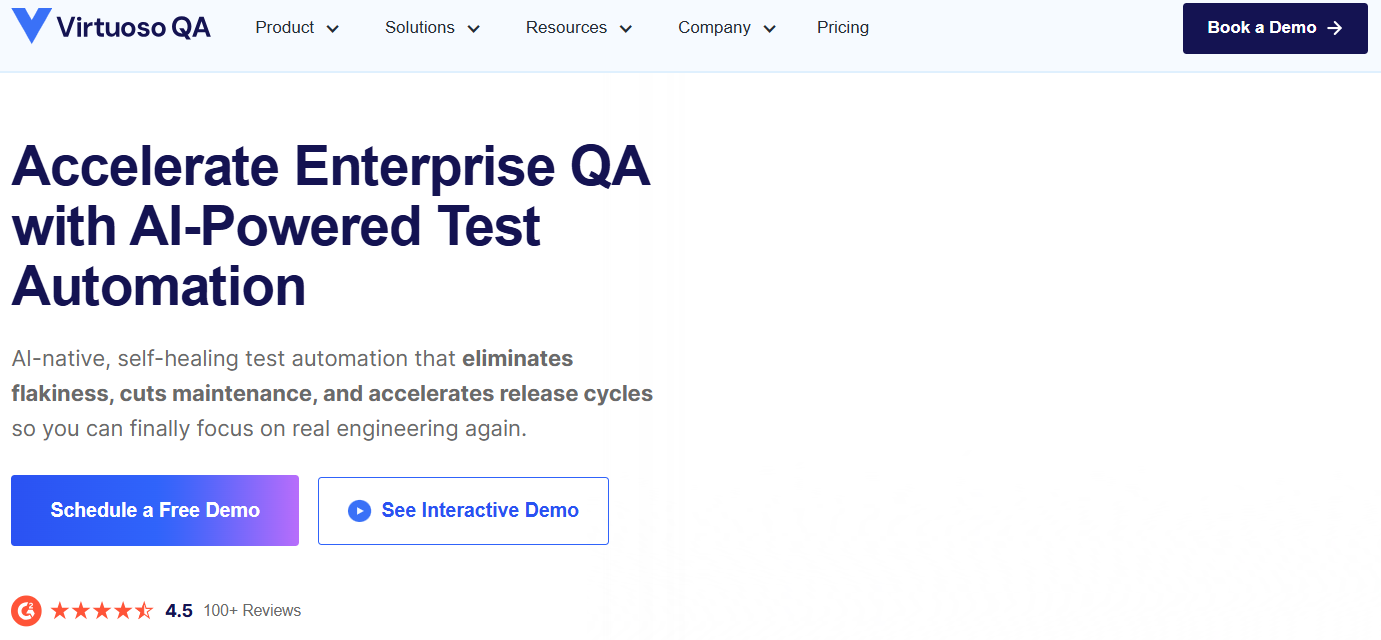
Since its release in 2019, Virtuoso QA has expanded into the U.S. market and continued developing its AI portfolio with Live Authoring and GenAI features. Virtuoso QA’s Business Process Orchestration capabilities help teams to sequence test journeys, share contextual data across stages, and gain end-to-end visibility in test workflows. At its core, GENerator accelerates automation by transforming legacy test suites, UI screens, APIs, or even written requirements into fully functional test plans. Virtuoso’s agentic autonomy does not simply execute your predefined scripts. During execution, AI agents can make contextual decisions, adapt test flows, and continuously learn from outcomes to improve future runs. The platform offers self-healing capabilities that automatically adjust when your interface elements change during development cycles. If your goal is to democratize automation across QA, business analysts, and developers while reducing long-term maintenance costs, Virtuoso is a good option.
Virtuoso QA key features:
-
Provides the “Autonomous Waits” feature, where context-aware bots detect application and network readiness to improve test stability.
-
Smart test orchestration using triggers such as Jira tickets and Git commits to run only relevant tests.
-
Supports deep user-centric testing by combining UI interactions with API calls, data handling, and AI-generated test data.
- Custom pricing
7. Leapwork with deploying reusable test flows across systems
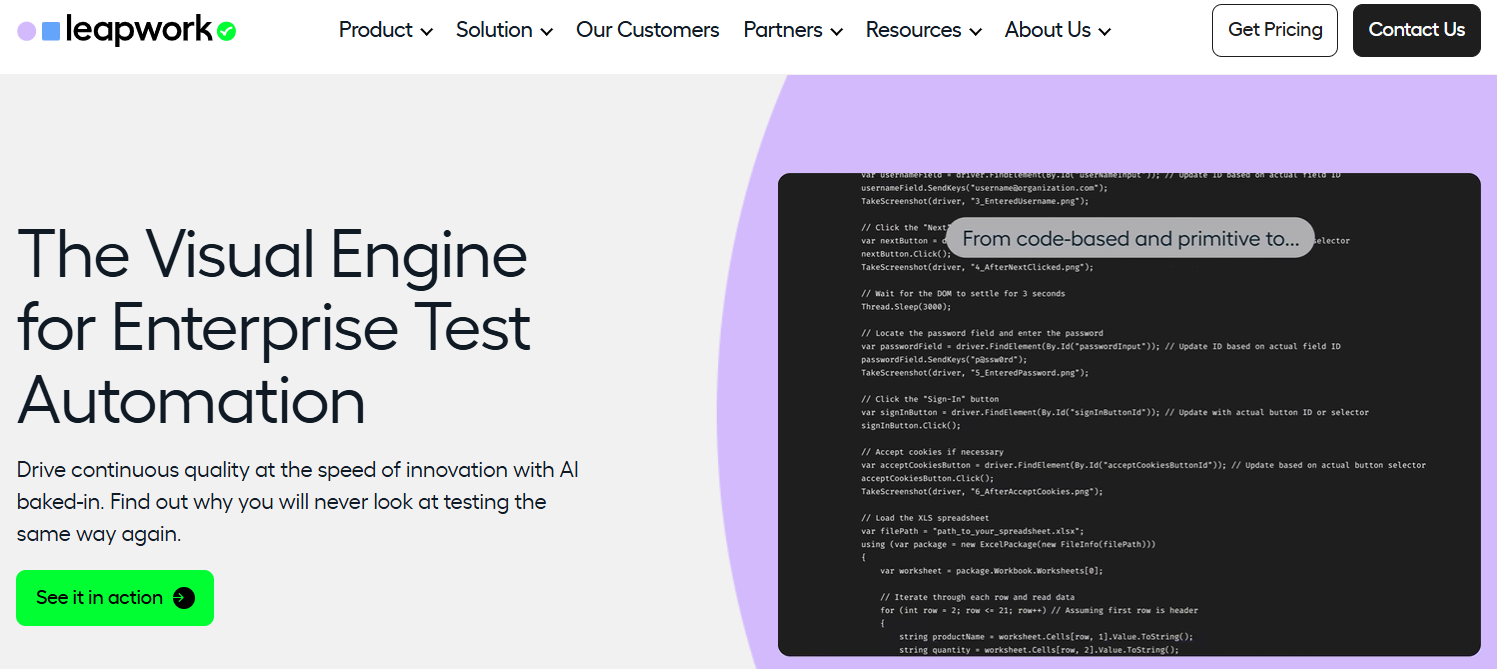
If your organization runs across legacy systems, ERP platforms, web apps, and even mainframes, Leapwork is worth exploring. Unlike developer-first frameworks, Leapwork has a no-code visual approach where testers compose end-to-end flows using reusable building blocks. Tests can span web, desktop, mainframe, mobile, SAP, Salesforce, and other enterprise systems without switching tools. Capabilities like AI-powered data generation, extraction, and transformation simplify complex data-driven testing. Features like tamper-proof audit logs and secure deployment controls ensure that automation integrates into product workflows.
Leapwork key features:
-
Hypervisual debugging with video recordings and data-level insights for root-cause analysis.
-
Regression testing that automatically updates dependent test flows when logic changes.
-
Autonomous test resiliency that re-runs failed tests to distinguish defects from transient issues
- Custom pricing
8. Checksum with tests from real user behavior
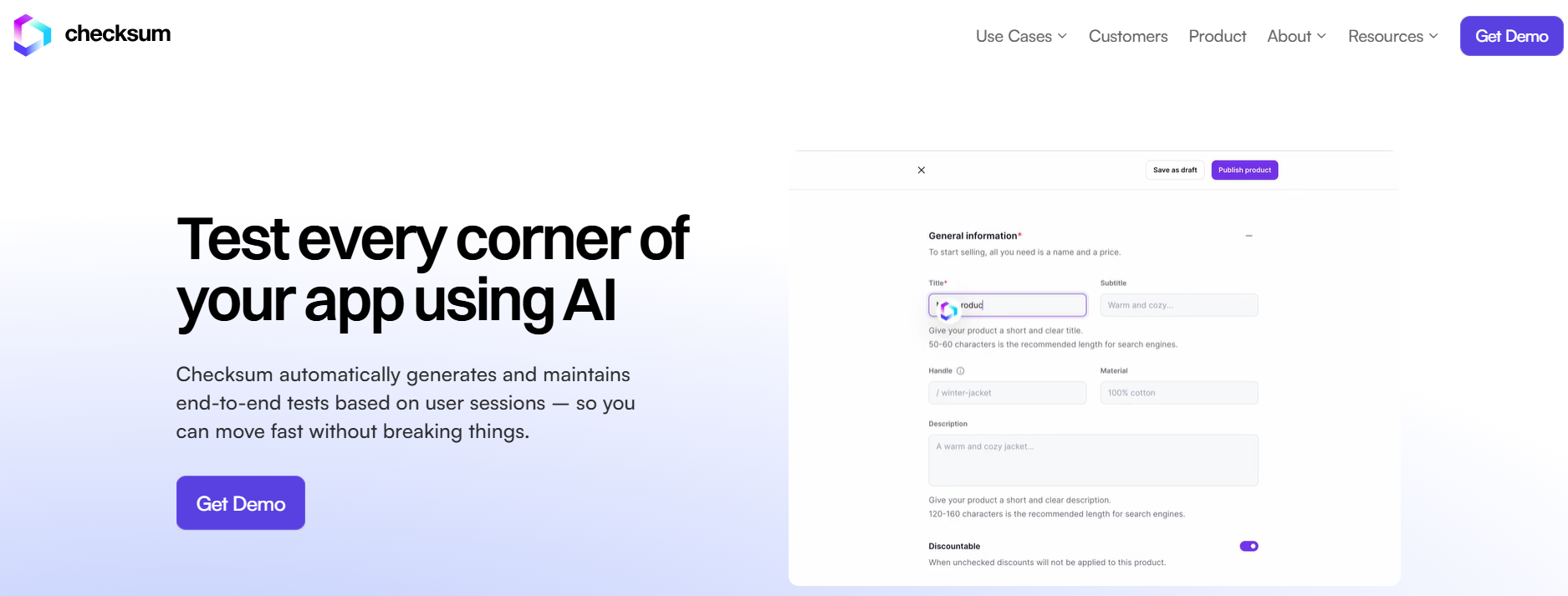
Checksum follows the “Test as a Service” framework by automatically generating and maintaining end-to-end tests based on user sessions and application flows. The system creates tests in Playwright or Cypress formats by analyzing real usage data to discover both happy path (common, successful user flows) and edge case scenarios. When test failures occur, Checksum’s AI agent automatically fixes and updates tests to accommodate new features or changes in existing flows. Checksum’s self-healing and auto-adjusting options automatically update test cases when the application changes. Checksum is well-suited for fast-moving SaaS teams and product-led companies that ship frequently.
Checksum key features:
-
Requires minimal setup with a lightweight JavaScript integration, fully anonymized data collection, and no impact on application performance.
-
Scales test execution automatically across multiple browsers with parallelization and unified reporting.
-
Uses AI-selected, browser-stable locators that adapt to DOM changes (updates to a page’s structure or element attributes, like changed IDs or moved elements), dynamic layouts, and cross-browser inconsistencies.
- Custom pricing
Experience-focused testing tools
Experience-focused testing tools prioritize validating how applications look and behave from an end-user perspective. They help teams catch visual regressions, layout shifts, and UI inconsistencies that functional tests might miss. These tools help ensure design accuracy and a consistent user experience.
9. Applitools with visual accuracy and UI consistency
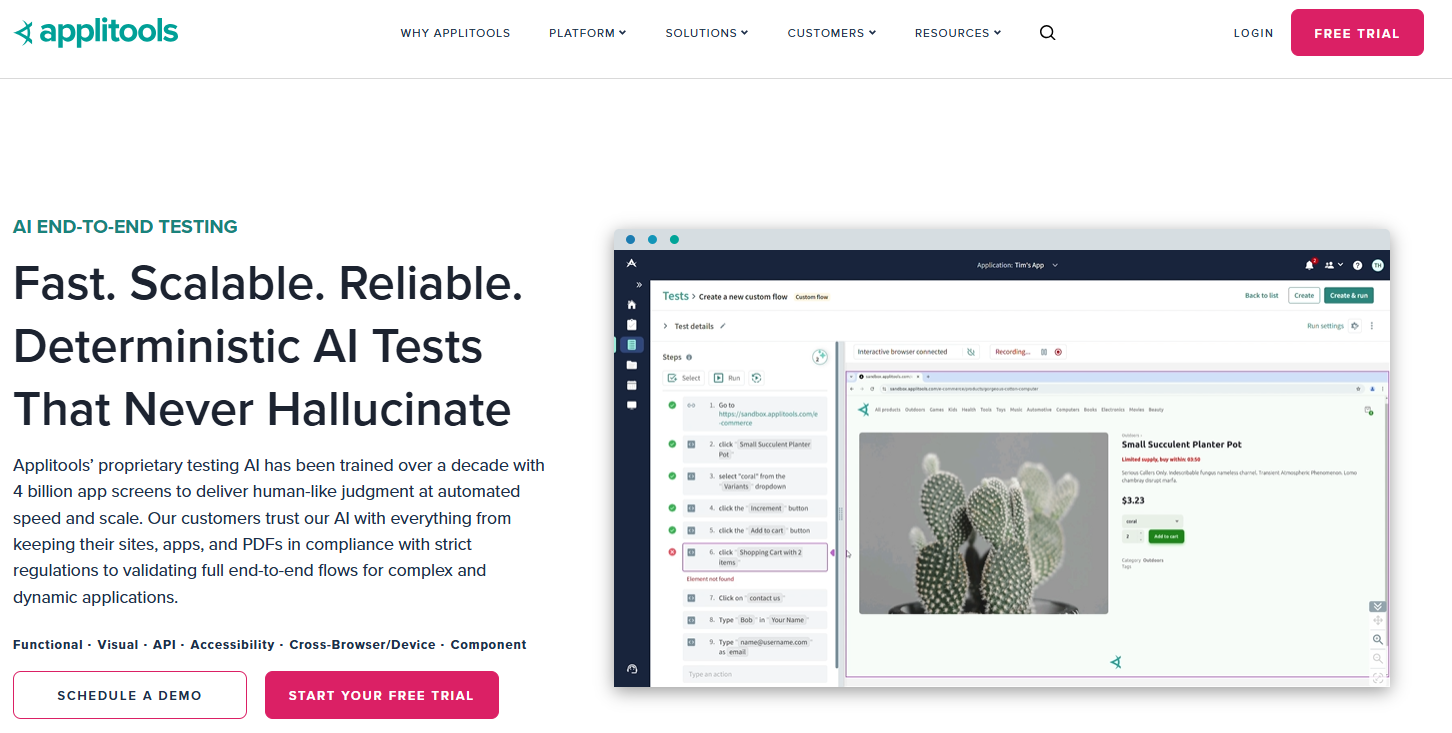
Applitools specializes in visual AI testing and provides visual validation of user interfaces, including layout shifts, misaligned elements, missing buttons, and broken styling. Applitools offers “Ultrafast Grid,” which recreates UIs across browsers and devices. Applitools Eyes replicates how the human eye detects meaningful changes—automatically identifying visual and functional regressions while ignoring insignificant differences, such as dynamic content or rendering variations. If your main challenge is UI correctness at scale, across browsers and environments, Applitools is one of the strongest enterprise-grade options available.
Applitools key features:
-
Deployment flexibility across on-premises, private cloud, or SaaS environments.
-
Flexible test creation via SDKs, codeless recorders, and NLP builders.
-
UI testing to detect regressions and changes in Storybook (an open-source tool for developing, documenting, and testing UI components in isolation).
-
Starter - $969/month. Includes 50 test units, codeless test authoring, API, cross-browser, and device testing, and support for 30+ SDKs and frameworks.
-
Public Cloud - Custom pricing. Includes everything in Starter, 1-year data retention, a dedicated customer success engineer, and public cloud deployment.
-
Dedicated Cloud - Custom pricing. Includes everything in Public Cloud, SSO, enterprise-grade security, and dedicated cloud deployment.
10. Keysight Eggplant Test with complex or regulated environments needing user-perspective testing
Keysight Eggplant Test takes a model-based, user-centric approach. You define how the system is used without hardcoding step-by-step scripts. The platform then automatically explores and validates complete workflows across UI, APIs, and complex environments. It also includes a generative AI feature that converts requirements documents into ready-to-run test assets.
You’ll find CI/CD integration adapters for tools such as Jenkins, Bamboo, and GitHub to integrate into existing delivery pipelines. Keysight Eggplant Test is a solid option for enterprise-scale environments where applications span multiple platforms, legacy systems, Citrix, and secure back-end systems.
Keysight Eggplant Test key features:
-
Computer vision using image and text recognition to test applications as users see them.
-
Supports automated API evaluation with UI validation for backend operations and front-end experiences.
-
Offers “Universal Fusion Engine” to test if applications work across browsers, OS, and devices using AI test modeling.
Keysight Eggplant Test pricing:
-
Free trial: A 14-day free trial to check all features.
-
Custom: Tailored pricing based on testing scope.
11. Perfecto with testing web, mobile, and enterprise user experiences
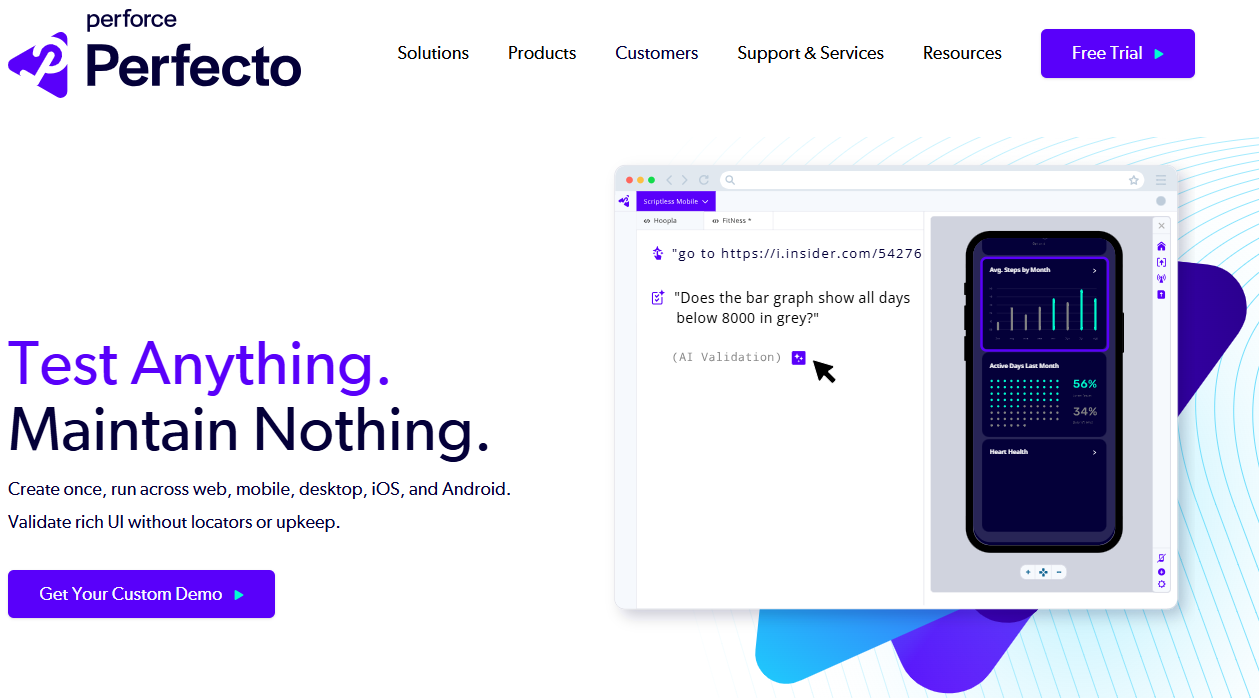
Perfecto is an enterprise-grade, AI continuous testing platform that unifies real devices, virtual devices, automation, analytics, and accessibility testing in a single cloud environment. Backed by Perforce, Perfecto helps teams to execute tests at scale, eliminate brittle scripts, and reduce maintenance. Its “no scripts, no frameworks, no maintenance” approach aims to reduce the manual overhead that slows automation efforts. Instead of relying heavily on element-specific scripts, tests are authored around user intent. Perfecto performs AI validation of UI elements like carousels, dashboards, maps, and nested tables. If your organization struggles with testing complex mobile and web ecosystems, Perfecto is a good option to explore for enterprise complexity.
Perfecto key features:
-
Accessibility testing automation for web and native mobile apps with support for VoiceOver, TalkBack, and WCAG compliance.
-
Visual and semantic validation that focuses on detecting real application issues rather than script failures.
-
Agentic AI for test execution, analysis, and adaptation across functional, mobile, and enterprise scenarios.
-
Free trial: 14-day trial. Includes 240 minutes of live and automated testing, access to real mobile devices in Perfecto’s secure public cloud, and other features like built-in test reporting and analysis.
-
Custom pricing: Custom quotes based on factors such as testing volume, device access, and enterprise requirements.
12. Sauce Labs with large-scale cross-browser, mobile, and continuous testing
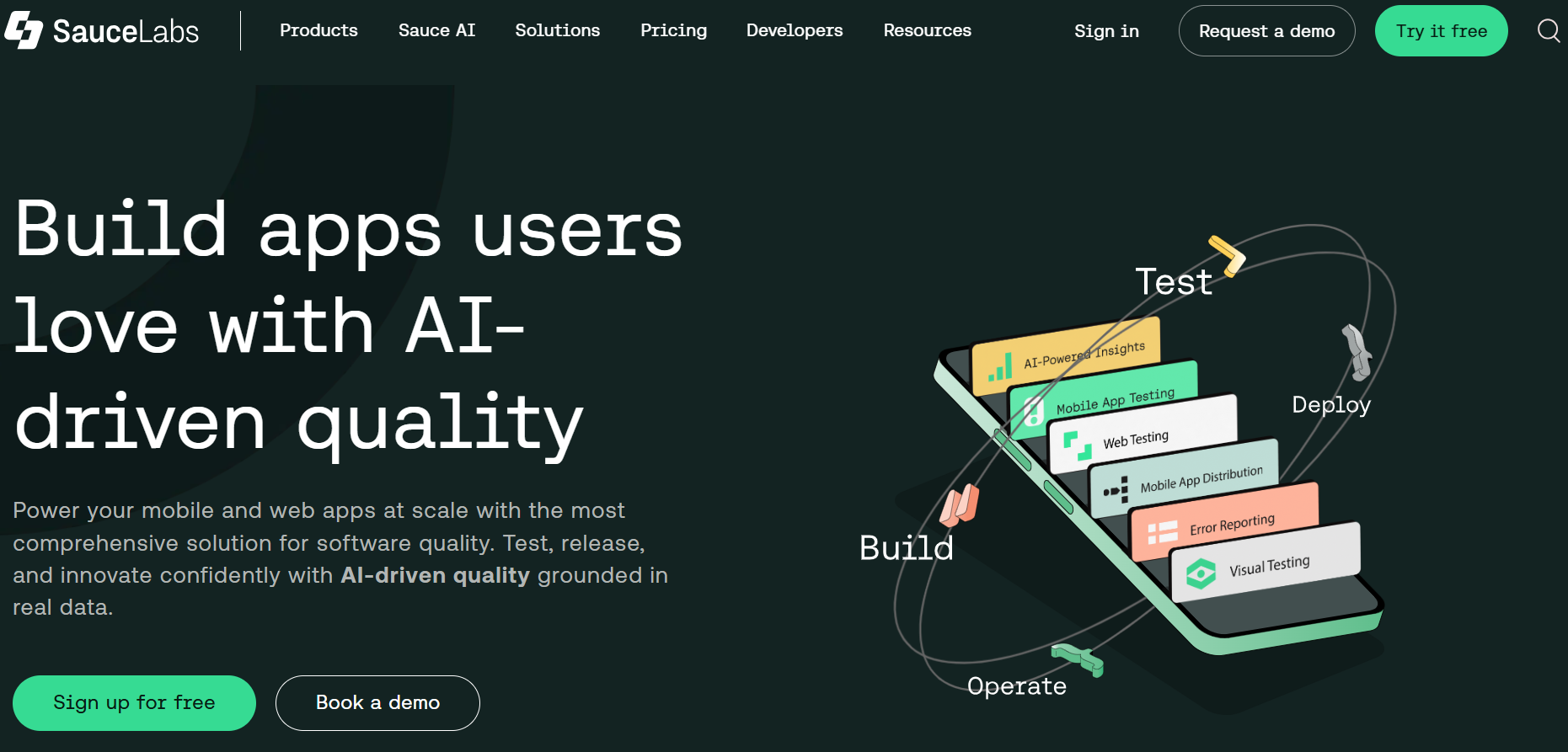
Sauce Labs combines automated testing with visual validation and AI-driven error reporting. With Sauce AI Agents embedded across the platform, engineering teams automate test creation, analyze failures, prioritize crashes, and surface actionable insights in real time. The platform supports thousands of browser/OS combinations, over 300 unique real devices, and thousands of emulators and simulators.
Sauce Labs supports integrating automation frameworks like Selenium, Cypress, Playwright, Appium, Espresso, Puppeteer, TestCafe, and XCUITest. This level of coverage makes it suited for enterprises shipping web and mobile apps.
SauceLabs key features:
-
Cloud-hosted infrastructure maintained by Sauce Labs for teams to run large parallel test suites without managing environments themselves.
-
AI-assisted test authoring that automates repetitive test creation and generates reusable, framework-agnostic scripts.
-
AI agent for test analysis that identifies failure trends and root causes through conversational queries to reduce debugging time.
-
Live Testing - $39/month. Includes manual cross-browser and mobile app testing on desktop browsers, mobile devices, and simulators, with unlimited users and unlimited testing minutes.
-
Virtual Cloud - $149/month. Includes automated and manual cross-browser and mobile app testing, mobile emulators, and simulators, with unlimited users and unlimited testing minutes.
-
Real Device Cloud - $199/month. Includes automated and manual cross-browser and mobile app testing on thousands of real mobile devices, with unlimited users and unlimited testing minutes.
-
Enterprise - Custom pricing. Includes SSO, access to Sauce AI agents, unlimited automated testing minutes, private device cloud, premium support options, enterprise-grade security, and secure local tunneling.
13. Cypress for JavaScript front-end teams
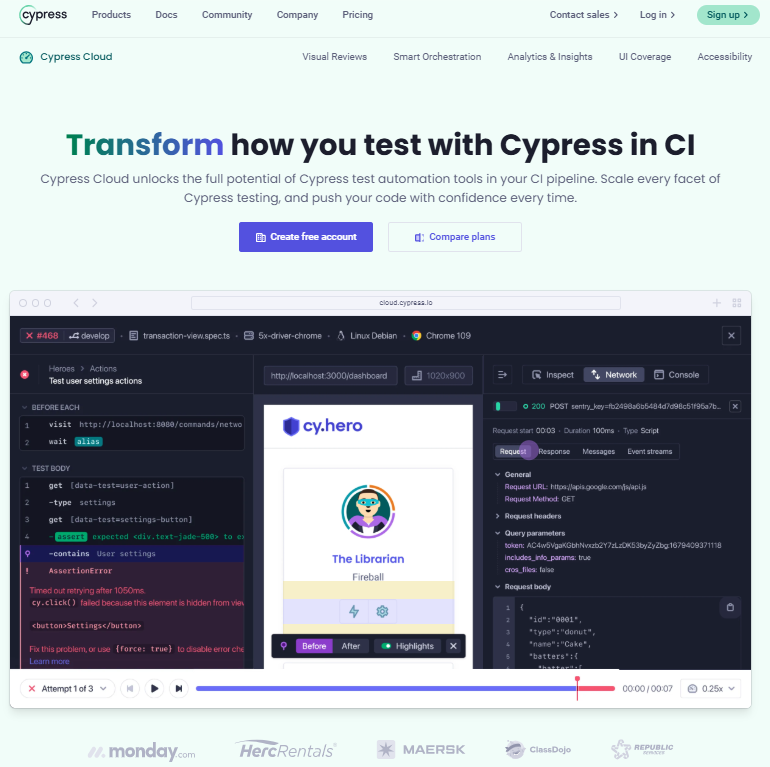
If you’re a JavaScript-heavy team building web apps and you care deeply about developer experience, Cypress should be on your list. It’s known for shaping how front-end developers write and debug by running tests directly in the browser, with live reload. Cypress runs with your application in the same run loop. That architectural decision helps you get fast feedback, automatic waiting, DOM snapshots, and step-by-step time-travel debugging. The open-source Cypress App handles E2E with component testing, and Cypress Cloud adds CI orchestration, parallelization, and analytics. AI summaries in Cypress Cloud help you understand failures faster without digging through code.
Cypress key features:
-
Supports AI workflows with the cy.prompt command, which generates tests from plain-English instructions and regenerates steps when needed.
-
UI Coverage visually shows which pages and components are actually exercised by tests.
-
Integrates with GitHub/GitLab/Bitbucket, Slack, MS Teams, Jira, and SSO support.
-
Starter- Free. Includes up to 50 users, 500 test results/month, 100 prompts/hour (experimental), parallelization, test replay, and project analytics.
-
Team- $67/month or billed annually at $799/year. Includes 50 users, 120k test results/year, 600 prompts/hour (experimental), plus flake detection, flaky test analytics, Jira integration, and email support.
-
Business- $267/month or billed annually at $3,199/year. Includes 50 users, 120k test results/year, 600 prompts/hour (experimental), plus spec prioritization, auto cancellation, GitHub Enterprise, GitLab Enterprise, and SSO.
-
Enterprise- Custom pricing. Includes unlimited users, custom test results, 600 prompts/hour (experimental), plus Enterprise Reporting, Data Extract API, Premium Support, Roadmap Portal access, and a Technical Consultant.
AI testing tools FAQ
How does AI improve software testing? AI improves software testing by automatically generating and maintaining test cases, reducing manual effort and minimizing flaky tests. It can analyze historical test results to predict regressions and focus testing. AI improves reporting and insights by grouping similar failures and identifying root causes.
Are AI testing tools reliable? AI testing tools are reliable when properly configured and used in accordance with best practices for repetitive test scenarios. Their AI capabilities help reduce brittle tests and adapt to UI changes more gracefully than traditional scripted tests. However, like any automation, they still require oversight and validation for edge cases.
Which AI testing tool is best for QA teams? The best tool for QA teams depends on team size, technical skills, and application type; low-code platforms like mabl or ACCELQ suit teams looking to minimize scripting, while tools like Cypress App or CodeceptJS appeal to teams who prefer code control. Enterprise teams might choose Tricentis Tosca or Sauce Labs for large-scale, cross-platform coverage. Consider integration needs, CI/CD support, and reporting capabilities when choosing.
Can AI replace manual testing? AI cannot fully replace manual testing because exploratory, usability, and context-driven testing still require human judgment. AI excels at repetitive, predictable test execution and regression validation. The most effective QA strategies combine both manual and AI-assisted automated testing.
Do AI testing tools integrate with CI/CD pipelines? Yes, most AI testing tools integrate with CI/CD pipelines such as GitHub Actions, GitLab CI, Jenkins, and Bitbucket. This enables tests to run automatically on code changes and provides developers with fast feedback.
Build with DigitalOcean’s Gradient™ Platform
DigitalOcean Gradient™ Platform makes it easier to build and deploy AI agents without managing complex infrastructure. Build custom, fully-managed agents backed by the world’s most powerful LLMs from Anthropic, DeepSeek, Meta, Mistral, and OpenAI. From customer-facing chatbots to complex, multi-agent workflows, integrate agentic AI with your application in hours with transparent, usage-based billing and no infrastructure management required.
Key features:
-
Serverless inference with leading LLMs and simple API integration
-
RAG workflows with knowledge bases for fine-tuned retrieval
-
Function calling capabilities for real-time information access
-
Multi-agent crews and agent routing for complex tasks
-
Guardrails for content moderation and sensitive data detection
-
Embeddable chatbot snippets for easy website integration
-
Versioning and rollback capabilities for safe experimentation
Get started with DigitalOcean Gradient Platform for access to everything you need to build, run, and manage the next big thing.
Any references to third-party companies, trademarks, or logos in this document are for informational purposes only and do not imply any affiliation with, sponsorship by, or endorsement of those third parties.
About the author

Sujatha R is a Technical Writer at DigitalOcean. She has over 10+ years of experience creating clear and engaging technical documentation, specializing in cloud computing, artificial intelligence, and machine learning. ✍️ She combines her technical expertise with a passion for technology that helps developers and tech enthusiasts uncover the cloud’s complexity.
Start building today
From GPU-powered inference and Kubernetes to managed databases and storage, get everything you need to build, scale, and deploy intelligent applications.